
NEWS
Google Meet Auto Check-In Now Covers Phones and Starts the Room
Google Meet auto check-in now runs on phones, but the same ultrasound also starts the room, labels faces, and fails on headsets.

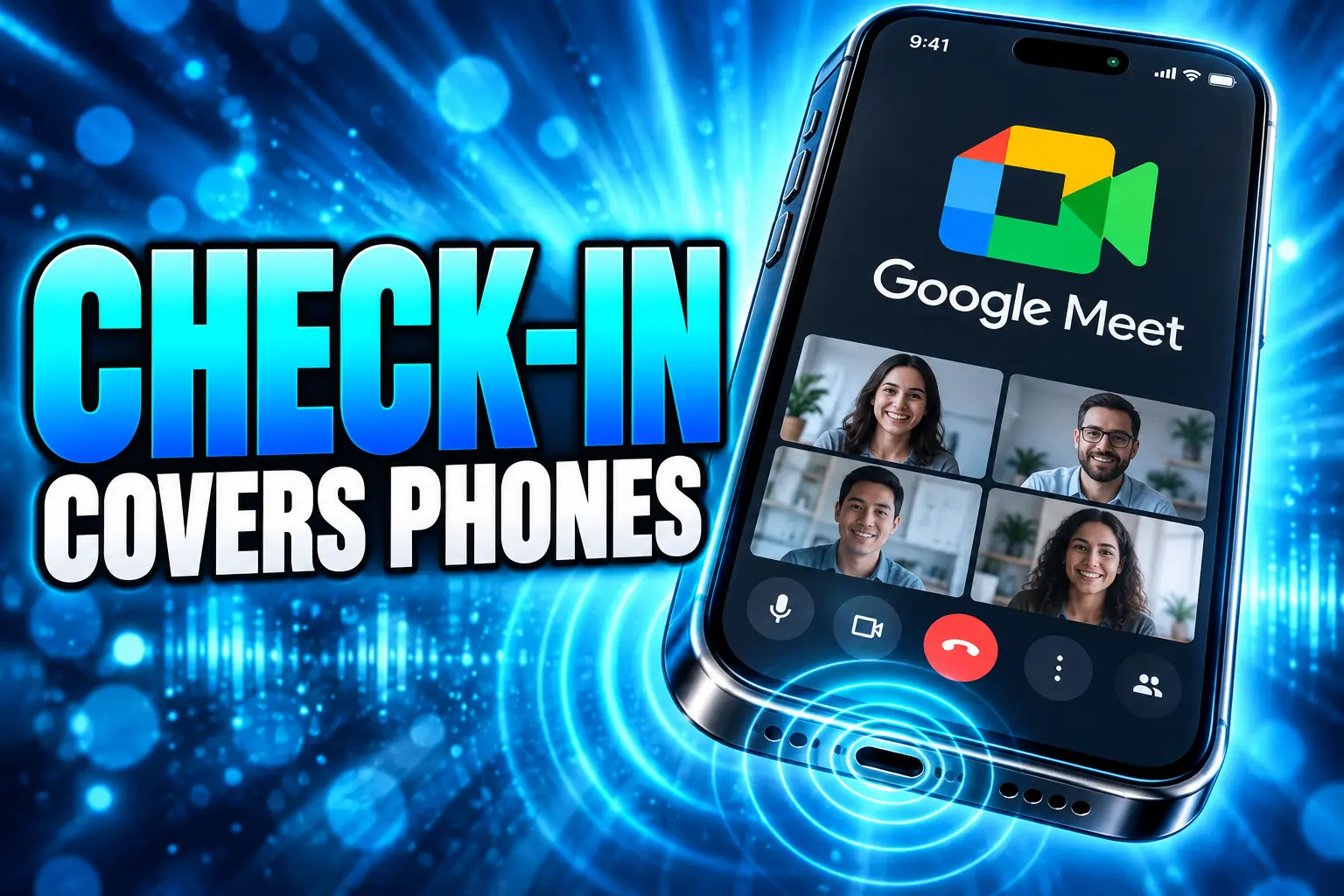
Google Meet’s automatic room check-in now uses a phone mic to hear ultrasound from room hardware and put you in Companion mode. Android was due to finish by September 10, 2026, and iOS started a gradual rollout on September 9.
The same signal is rolling out to all Workspace customers with Meet hardware, and it already does more than highlight a button. It can start the room system, book an empty space, and prompt Face Match after you check in.
The Same Ultrasound Now Does Three Jobs
Certified Google Meet hardware plays an ultrasonic tone. Your laptop, phone, or tablet grants microphone access, hears that tone in the green room, and Meet treats you as physically in that room. On the pre-join screen the Companion mode control lights up, and joining through it checks you into the correct room so your name sits on the room tile.
Companion mode is the echo fix. The personal device keeps chat, captions, polls, and screen share, while the room speakers and mics own the audio. Google’s help pages still warn that people with sensitive hearing may hear faint ultrasonic tones.
Chandu Thota, Google’s VP of engineering for Workspace, put the mobile version on X on January 16, 2026, and described the point as a clean join that still keeps presence on the roster.
1/4 We are launching automatic room check-in for Google Meet (for Workspace Customers only) on mobile to make joining from conference rooms effortless. Meet on phone now uses ultrasound proximity detection to recognize Meet hardware in the room and guides you to the right meeting… pic.twitter.com/y1lKvTEm52
— Chandu Thota (@ChanduThota) January 16, 2026
He wrote that Meet on a phone uses ultrasound to recognize hardware in the room and guide you to the right meeting. In the next post he said a tap on Companion mode checks you in “while keeping your presence registered.”
That registration is the part that outgrew a shortcut. Check-in is how Meet knows which bodies in the camera frame belong to which accounts, and it is also how Connect room knows which nearby panel to wake.
Connect Room Starts the Hardware From Your Laptop
Google first put detection on laptop microphones in Chrome on August 4, 2025, with up to 15 days before every domain saw it. The original Chrome laptop check-in already forced the Companion path so a laptop mic would not double the room speakers. Four months later the same tone learned to start the meeting on the hardware itself.
THE ULTRASOUND STACK FROM LAPTOP TO PHONE
- August 4, 2025: Rolls out automatic room check-in on Meet web in Chrome, using the laptop mic to hear certified room hardware.
- December 2, 2025: Opens Connect room to Rapid Release domains in Early Preview Rooms, so the green room can start the panel without a meeting code.
- January 13, 2026: Announces mobile check-in; iOS on Rapid Release begins that day. Google pauses the mobile rollout on February 4, 2026.
- April 20, 2026: Starts a general Connect Room rollout after pulling the preview on April 8, 2026. A June 3, 2026 note calls it generally available.
- September 9, 2026: Restarts automatic check-in on phones for every Workspace customer with Meet hardware; Android was due to complete by September 10, 2026, and iOS had up to 15 days of visibility.
- September 15, 2026: Ships a five-character room code on the pre-call screen as a fallback when ultrasound is off or cannot be heard.
Connect room changes the Companion control into a Connect room button when it finds a nearby, available Meet system. One click starts the call on the hardware and drops the laptop into Companion mode. If in-room booking is on, an open bookable room can be claimed in that same click. A reserved room that is sitting empty can be taken over the same way.
Google added room disambiguation for floors where more than one panel is in range, so you pick the room you are actually in. When someone still types a code on the touch screen, the hardware now shows instructions to use Connect room instead. The January mobile preview did not sail through; Google paused it on February 4, 2026, and only finished phones in September, which is why the laptop version and the phone version should not be treated as one launch.
A Name Replaces the Room Tile
Once you are checked in, Meet can stop showing a single room name for everyone at the table. Dynamic tiles give up to three people in a Meet hardware room their own video tile. Face Match is the step that puts a person’s account name on that tile.
Google’s admin help says the model does face detection only, not face recognition. You still have to be in Companion mode, Dynamic tiles have to be on, and you have to check in first. Your face has to stay in view of the room camera. Face Match supports a maximum of 12 faces, and Google says a person who leaves the frame long enough may have to check in again.
Without check-in, the room camera still shows a room. With it, remote attendees can pin a person instead of a wall. That is why the ultrasound join is now an identity gate, not only an echo filter. It only runs in the green room and for a brief period after Companion mode starts, which keeps the mic path short, and it still depends on the room camera seeing you after you sit down.
Why a USB Headset Breaks the Join
The tone is easy to kill, and several of the killers are the same tools people use to make hybrid calls bearable. Google’s user help says detection uses only the selected microphone, and a USB headset or dongle as your mic can make it fail if the range is short, the headset filters ultrasonic sound, or the headset is off.
WHAT STOPS THE ROOM SIGNAL
- A USB headset: The selected mic never hears the room tone, so Companion mode is not highlighted and check-in does not fire.
- Windows audio enhancements: Processing on the PC can strip the ultrasonic band before Meet sees it.
- Voice Isolation: Mac and iOS voice modes can filter the same high frequencies.
- ChromeOS studio mics: Noise cancellation or studio-style mic on some Chromebooks can do the same.
- Fifty people already on the call: Meet hardware stops sending the ultrasound signal after 50 participants have joined.
The 50-person cutoff lands on the meetings that most need a clean roster. An all-hands in a large room is exactly when extra laptop speakers cause chaos, and it is also when the hardware goes quiet. Manual check-in after Companion mode still works, which is the tell that Google does not treat the tone as guaranteed.
Firefox and Safari users on laptops are outside the web path. Meet web detection is Chrome-only, which is how the 2025 launch shipped, and phones pick this up only inside the Meet or Gmail apps that Google listed for the September rollout. Uncertified peripherals might work, but Google says it tested certified devices and an admin has to test anything else.
Microsoft Published the Frequency Google Did Not
Ultrasound join is not a Google invention. Microsoft’s Teams Rooms docs put Proximity Join on an ultrasonic band of 19.5 kHz to 21.5 kHz from compatible Windows consoles, and they pair it with Bluetooth. Google does not publish a frequency for Meet. Zoom has used ultrasonic proximity for years so a laptop can direct-share into a Zoom Room without typing a sharing key.
HOW ROOM PRODUCTS HEAR A LAPTOP
| Product | Signal | What it does | When the tone stops |
|---|---|---|---|
| Google Meet check-in and Connect room | Ultrasound from certified Meet hardware, heard by a Chrome, Android, or iOS mic | Highlights Companion mode, checks you into the room, and can start and book the hardware | Selected mic cannot hear the tone, or the hardware has stopped sending it |
| Microsoft Teams Proximity Join | Ultrasound at 19.5 kHz to 21.5 kHz, plus Bluetooth | Puts a nearby Teams Room at the top of the prejoin room list so you can nudge it into the meeting | Ultrasound pauses when the room is already in a meeting or HDMI ingest is active; not on Teams Rooms on Android |
| Zoom Rooms Direct Share | Ultrasonic signal from the room controller, heard by the Zoom desktop client mic | Connects a laptop to the room for screen share without a sharing key | The desktop client mic cannot hear the controller |
Teams even sorts rooms so an ultrasound hit beats a Bluetooth hit. Meet’s pitch is narrower and, in one way, more ambitious: the tone is not only a nudge to a room, it is a check-in that other Meet products reuse. Mishaal Rahman, then writing about Android, flagged Meet experiments with Bluetooth and ultrasound room detection as far back as June 2020, which is why the 2025 button read as late to anyone who had already lived with Teams Rooms.
Admins Get Check-In, Connect Room, or Neither
Workspace admins now treat proximity as a bundle. Google’s hardware help says they can allow Connect room, automatic check-in, or neither, or they can run both. The proximity detection device setting is on by default, and Connect room needs that setting plus in-room booking if the click is also supposed to reserve the space.
FOUR PROXIMITY CHOICES IN ADMIN CONSOLE
| Choice | What nearby phones and laptops can do |
|---|---|
| Automatic room check-in | See Companion mode highlighted and get checked into that room after they join |
| Connect room | Start the meeting on the hardware from the green room and move into Companion mode |
| Both | Check in and start or book the room from the same ultrasound path |
| None | Proximity detection off for that device |
The check-in toggle lives on the device: Devices, Google Meet hardware, then Device settings, then “Let phones and laptops automatically check in to this room.” Admins can bulk-edit with a CSV. Automatic check-in is on by default for newly enrolled devices, which means a new panel starts broadcasting unless someone turns it off.
Users can kill the tone for a single call from the Meet hardware touch controller under More, then Detection. That control resets to on when the device joins the next call, so a privacy-minded meeting does not stay quiet unless an admin changes the device. Certified lists from Logitech, Poly, Neat, Shure, and others are the supported path; Google’s camera table calls out Logitech Meetup as an exception that does not support proximity detection.
Five Characters When the Mic Path Fails
On September 15, 2026, Google made a five-character room code generally available on the pre-call screen. Users tap Connect with room code and type the alphanumeric string shown on the hardware. The feature is on by default and can be switched at the device. Google described it as a manual fallback when ultrasound is unavailable or disabled, which is a polite way of listing headsets, OS filters, the 50-person cutoff, and admins who turned proximity off.
Phones now hear the room. Laptops can start the panel, book the space, and hang a name on a face in the camera. The code on the screen is there because that chain still depends on a microphone that hybrid workers often cover with a dongle, and on hardware that goes silent once the call is crowded.
Frequently Asked Questions
How do you turn off Google Meet automatic room check-in?
During a call, use the room touch controller: tap More, then Detection, then turn off Proximity. That switch returns to on at the next call. A Workspace admin turns it off for good on the device under Google Meet hardware settings, including the checkbox that lets phones and laptops automatically check in, and the setting is on by default for newly enrolled hardware.
Does automatic room check-in work without a full Workspace plan?
Google also lists Workspace Individual subscribers who have Google Meet hardware, not only business domains. The person still has to be in a physical room with supported hardware, and the Meet or Gmail app on the phone has to be allowed to use the microphone.
Why does room check-in fail on g.co/companion?
Proximity detection does not run on g.co/present or g.co/companion. Google says it can still detect for a brief period after you join Companion mode, which is why the supported path is the meeting green room on meet.google.com in Chrome, or the Meet app on Android and iOS, rather than those short links.
How do you check in if the ultrasound is missed?
Join in Companion mode anyway, then use manual room check-in after you are in the call. On a laptop, the green room can take a few seconds to show a Room detected control; hovering that control shows the room name if detection did work.
What hardware is certified for Google Meet proximity detection?
Google points admins to its certified peripherals lists for speakerphones and speakerphones with integrated cameras, and it says devices off those lists may still work if an admin tests them. On the certified camera list, Logitech Meetup is the named exception that does not support proximity detection.

The Court Revisits the Climate Nuisance Door It Left Open

ChatGPT Now Compiles Live Interfaces With GPT-6

A Tanker Attack Moves the War Into Qatar’s Waters

Personio Buys Circula to Own the DATEV Channel

Bluesky Files for .bsky and Enters the Registry Queue

Microsoft’s 96% Cyber Score Sits at 86.3% on the Board

Musk’s $914 Billion Lead Is a Public SpaceX Bet

Endgame Encore’s $86 Million Trial for Infinity Vision

Free Live Sports Streaming in 2026: What to Watch Without Cable

Andrew Garfield’s Spider-Man Films Are No Longer Free
-
 NEWS3 months ago
Microsoft’s 96% Cyber Score Sits at 86.3% on the Board
-
 BUSINESS5 months ago
Musk’s $914 Billion Lead Is a Public SpaceX Bet
-
 SPORTS3 months ago
Free Live Sports Streaming in 2026: What to Watch Without Cable
-
 ENTERTAINMENT4 months ago
Endgame Encore’s $86 Million Trial for Infinity Vision
-
 ENTERTAINMENT2 years ago
Andrew Garfield’s Spider-Man Films Are No Longer Free
-

 NEWS5 months ago
Singapore’s 3×3 and Surfing Debuts Miss the Medal Stand
-

 ENTERTAINMENT3 months ago
The Odyssey’s IMAX Film Run Hit a 41-Theater Limit
-

 BUSINESS2 years ago
Retail Banking vs Commercial Banking: A Comprehensive Guide