
The wait is finally over for the most anticipated e-paper tablet of the year. Onyx Boox has officially released the Note Air 5 C and it is reshaping our expectations. This device takes the solid foundation of its predecessor and refines it into a near-perfect machine.
It is not just a simple refresh of specifications. This tablet represents a maturity in E Ink technology that bridges the gap between digital convenience and paper-like focus. If you have been waiting for the right moment to switch to digital note-taking, this might be it.
Stunning Display Meets Refined Design
The first thing you will notice is the screen. The Note Air 5 C sports a gorgeous 10.3-inch Kaleido 3 display. This technology delivers soft yet vibrant colors that make reading comics and viewing charts a joy. The pastel tones are easy on the eyes during long work sessions.
The build quality remains exceptional. Onyx Boox has stuck with a sleek and premium design language. It feels incredibly thin in the hand. You can hold it for hours without feeling fatigue in your wrist.
Visual Experience
| Feature | Specification |
|---|---|
| Screen Type | Kaleido 3 E Ink |
| Size | 10.3 Inches |
| Resolution | 300 PPI (B&W) / 150 PPI (Color) |
| Front Light | Warm and Cold adjustable |
Users upgrading from the Note Air 4 C will appreciate the familiarity. The power button with its fingerprint sensor sits in the same convenient spot. The USB-C port remains on the left side for easy charging while holding the device.
This design consistency is a smart move. It means you can use your existing cases with the new model. You save money on accessories while getting the latest tech.
Android 15 Powering Next Level Productivity
The true magic lies under the hood. The Note Air 5 C ships with Android 15 right out of the box. This is a massive advantage over competitors like the Kindle Scribe or reMarkable. You are not locked into a closed ecosystem.
You have the freedom to download apps from the Google Play Store. You can install Outlook, OneNote, Kindle, or even Spotify. The operating system feels snappy and responsive.
It is impressive how optimized the software has become. The context suggests that despite having similar RAM and processor specs to the previous model, the performance is noticeably better. Navigation is smooth. Gestures register instantly without the lag often associated with e-paper.
Software Highlights
- 3 Years of Updates: Guaranteed support keeps your device secure.
- Multitasking: Split-screen mode works flawlessly for taking notes while reading.
- Optimization: Apps load faster thanks to refined background processes.
This speed makes a real difference in daily use. You can switch from reading a PDF to checking your email in seconds. It feels like a modern tablet rather than just a slow e-reader.
Writing Experience and New Keyboard Integration
Writing on the Note Air 5 C is sublime. The textured screen offers just the right amount of resistance. It sounds and feels like a pencil scratching across high-quality paper.
The device comes with the new Pen3 stylus. This updated pen features a clever storage compartment for spare nibs. You will never be caught with a dull tip during an important meeting again.
A Major Hardware Addition
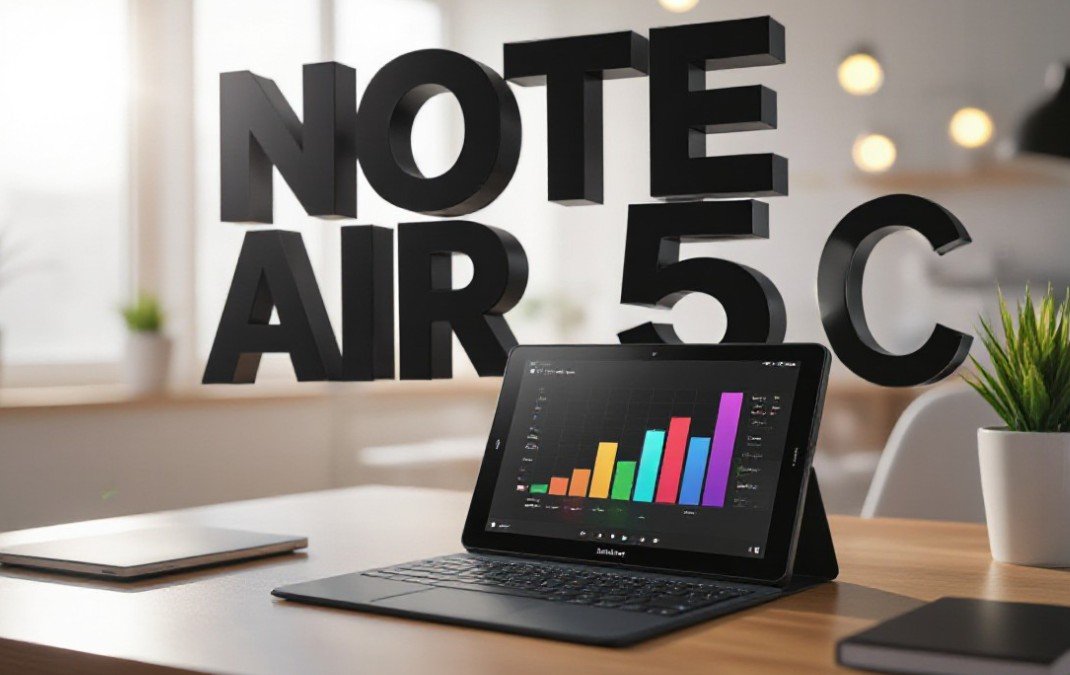
The biggest hardware change is subtle but game-changing. The tablet now features pogo pins on the side or back edge. This allows for a direct connection to the new Magnetic Keyboard Cover.
Bluetooth keyboards were always an option. But they required charging and pairing. This direct connection is instant and reliable. It transforms the tablet into a focused typewriter.
You can type out drafts without eye strain. The typing experience combined with the Android OS makes this a legitimate laptop replacement for writers. Note that this keyboard case is sold separately. It is an extra cost but adds immense value.
Software Features That Boost Your Workflow
Onyx Boox includes powerful software tools that justify the price tag. The built-in Optical Character Recognition (OCR) is fantastic. It turns your messy handwriting into searchable text in seconds.
This feature is a lifesaver for students and professionals. You can write your meeting notes by hand and then export them as a typed document to share with your team. The accuracy has improved significantly over previous generations.
Connectivity and Sharing
- BOOXDrop: This feature lets you transfer files wirelessly between your computer and tablet.
- Screen Casting: You can project your E Ink screen to a PC for presentations.
- Cloud Sync: Works with Google Drive, Dropbox, and OneDrive natively.
These tools remove the friction of using a niche device. You do not need cables to get your files off the tablet. It integrates seamlessly into your existing digital life.
Verdict: Is It Worth The Upgrade?
The Onyx Boox Note Air 5 C is a triumph. It costs roughly $30 more than the Note Air 4 C but delivers meaningful upgrades. The pogo pin connector and Android 15 optimization alone are worth the price of admission.
It is perfect for those who want to disconnect from distractions without losing utility. You get the peace of paper with the power of a computer.
Pros vs Cons
The Good
- Smooth Android 15 performance.
- New Pogo pin support for keyboards.
- Upgraded Pen3 with nib storage.
- Excellent Kaleido 3 color screen.
The Bad
- Keyboard case is an extra purchase.
- Battery life is shorter than simple e-readers.
- Price is higher than the previous model.
If you already own the Note Air 4 C, the upgrade is incremental. But for everyone else, this is the best E Ink tablet money can buy right now. It sets a new standard for what these devices can do.
The Onyx Boox Note Air 5 C proves that E Ink is not just for reading books anymore. It is a serious tool for serious work. It helps you focus in a world full of noise. We highly recommend giving this device a look if you want to boost your productivity in 2026.