After twenty years of using Linux almost daily, the beginner-friendly distributions have stopped earning their place on my machines. I started on Debian in the mid-2000s, kept going through Mac OS X and the rise of Ubuntu, and now spend most of my working day inside a terminal. Beginner-friendly distros are still the right call for a lot of people. They are no longer the right call for me, and they probably are not the right call for you either, if you have been on Linux long enough to read this.
The ‘beginner-friendly’ promise, a desktop that feels like Windows, ignores the reason long-time users reach for Linux in the first place. The Linux community is healthier for those distros existing. The trade-off is that they are built for first-day users, not for someone with twenty years of muscle memory.
You Only Get to Be a Linux Beginner Once
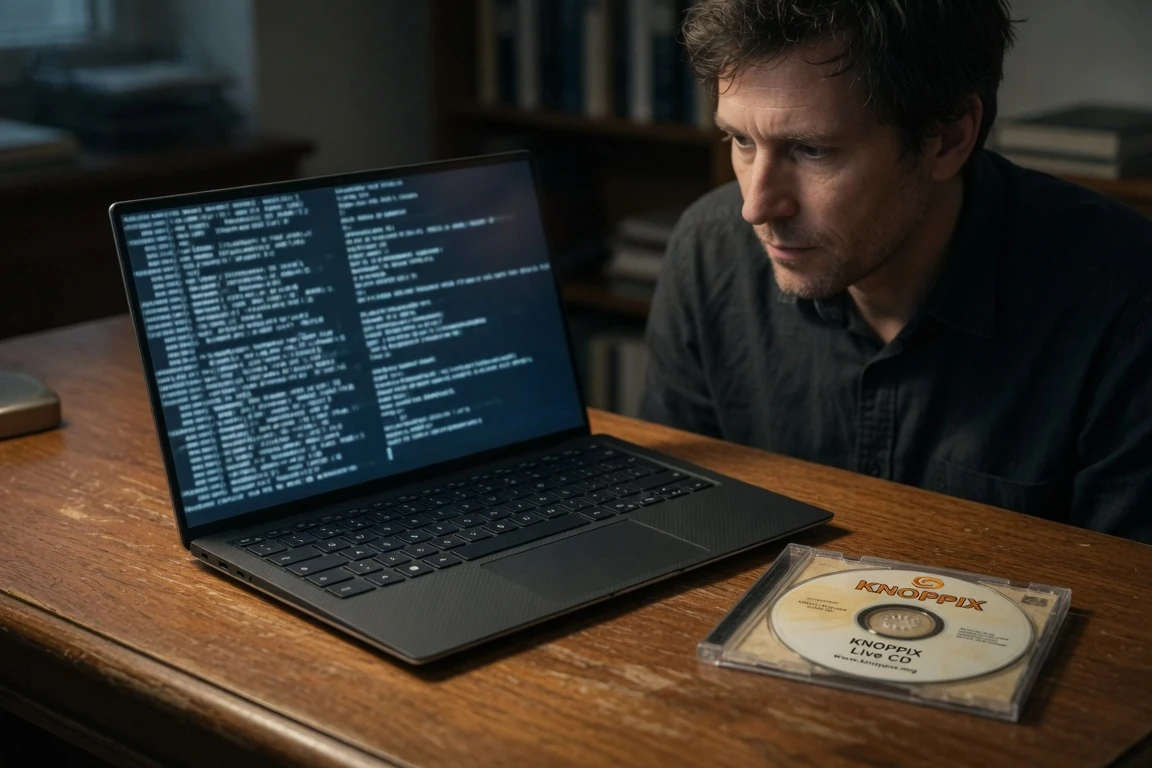
When I started seriously using Linux a little over twenty years ago, a ‘user-friendly’ approach might have made sense. I was moving into Mac OS X for my media studies, and getting a distribution to install and boot was still a geek accomplishment in the mid-2000s. I might have been starting on ‘hard mode’ with Debian, but it felt like a natural follow-on from Knoppix, the Debian-based live CD, which I had been running from a disc. Each step was a small fight with hardware, and each fight was worth it for the muscle memory that came after.
The hard part back then was hardware support, not the operating system itself. I spent hours trying to coax 3D acceleration out of a stubborn graphics card. The trade was worth it: a few weekends of frustration bought me a comfort with the command line I have never lost, and that fluency is the asset that pays off later.
Twenty years later, that fluency is the most valuable part of my Linux setup. I can sit down at almost any distro and get to work without the hand-holding. The beginner distros that try to remove every sharp edge also remove most of the flexibility I came for. That gap between what they offer and what I now need is the reason I have not switched back.
What ‘Beginner-Friendly’ Usually Means in Linux
‘Beginner-friendly’ in the Linux world tends to mean ‘desktop environment that works like Windows.’ A taskbar on the bottom, file managers that mirror Explorer, text editors that look like Notepad. A few distros ape macOS instead, which makes sense for the largest possible audience of switchers. Either way, the goal is to remove friction for someone arriving from a commercial desktop. The mainstreaming of Linux is the proof that the approach works, and a good number of new users have stayed on the platform because of it.
That focus leaves out what makes a Unix-like system different. The desktop is just another program, and you can swap it. You can install a different window manager from the package manager, run a tiling setup, drop into a text console, or skip the GUI entirely. The list of distros that lean into this approach is short and well known, and each of them makes a real case for a new user, though none of them is built for a user who already knows how the shell works.
- Linux Mint, the most-cited entry point for Windows switchers
- Ubuntu, the distro that brought the term ‘beginner-friendly’ into the Linux vocabulary
- Pop!_OS, the System76-built Ubuntu variant aimed at creators and developers
- Zorin OS, the layout-cloned option pitched at first-time installers
- elementary OS, the macOS-styled alternative for switchers from Apple
Most Beginner Distros Are the Same OS in Different Wallpapers
It seems that every week a new ‘beginner-friendly’ distro pops up on DistroWatch. Most of them amount to Ubuntu with a different wallpaper or a different desktop environment. Under the hood, the components have converged across distros. The systemd init system became the de facto standard for nearly all major Linux distributions by 2015, replacing the older SysVinit scripts that had varied from distro to distro.
The boot process, the service manager, and the package tooling all look more similar than they did in 2010. The shell is where the convergence shows most, and a user who can move between Linux Mint, Ubuntu, Pop!_OS, Zorin OS, and elementary OS will find the same apt repositories under the hood, the same systemd, and a desktop theme as the only real differentiator. That is fine for a beginner who wants one place to land, and also less compelling for a long-time user choosing where to spend the next several years.
I am not arguing against that convergence, because standardization is what made Linux viable for the desktop in the first place. The current hardware I work on is a Dell XPS 13 Plus running Ubuntu 22.04 LTS, with a 13th Gen Intel Core i7-1360P, 16 GB of DDR5, and a 512 GB SSD at 2.71 lbs, and every component worked out of the box with no beginner shell in front of me. A few of the numbers that anchor the case:
- systemd replaced SysVinit as the de facto init system by 2015
- Linux Mint holds an 8.9 average from 1,027 reader ratings on its review page
- Knoppix is a Debian-based live CD with automatic hardware detection
- The Dell XPS 13 Plus ships with Ubuntu 22.04 LTS certified by Canonical
The case for picking a beginner-friendly distro in 2026 comes down to the onboarding path. The operating system is no longer the deciding factor.
The Desktop Is Not Where I Work
The bigger reason beginner distros do not appeal to me is that I spend most of my working time in a terminal window. Lately the work is Python, particularly interactive Python environments. I launch Jupyter’s interactive computing platform from the command line, then work in the notebook. The notebook is a kind of GUI, but the launch is the shell, and the shell is the surface I work in.
My real toolkit looks like this:
- Jupyter for interactive Python notebooks
- IPython as the underlying shell kernel
- NumPy for numerical work
- SciPy for scientific computing
- Seaborn for statistical visualization
None of those tools ship in a beginner-friendly bundle. They all live in Python’s package ecosystem and assume a user who can run pip, manage virtual environments, and read a stack trace. When I need to dig into the system itself, I open the ArchWiki community documentation, which is useful even on distros that have nothing to do with Arch. The Arch Wiki is the most complete community-run Linux reference on the web, and almost every long-time Linux user I know keeps a tab to it open in the background.
Why I Stopped Switching Back
I have nothing against beginner-friendly distros. I would rather software be easier to use than harder, and Linux’s beginner distros have brought more people to the platform than any other category. Zorin OS easing the Windows-to-Linux switch is a real service to non-technical families. Skipping the dual-boot dance when installing Linux is a real win for first-time installers.
The thing I want is a beginner distro that realizes Linux is its own thing, not a Windows replacement with a different wallpaper. The gap between the current beginner-friendly default and what a long-time user actually needs is easy to lay out. Here is the side-by-side:
| Beginner-friendly default | What a long-time user needs |
|---|---|
| Windows-style taskbar and menu | Swap-in desktop, window manager, or no GUI at all |
| Hand-holding on first install | Plain install, no opinions, full control afterward |
| Curated app store as the main path | Package manager and command-line tools first |
| No terminal exposure needed | Terminal as the primary surface |
Debian is the distro I keep returning to because it makes fewer of those default decisions for me. The package manager is APT, the init is systemd, the desktop is whatever I install last. The freedom to set up the system I want is what I came to Linux for in 2004. It is still what I am there for in 2026, even as the rest of the ecosystem has moved on.
Beginner distros will keep earning their place for the next wave of switchers. For most new users, the choice between them and a more hands-on option is no choice at all. For the rest of us, the case for hand-holding has run out.
Frequently Asked Questions
What is a beginner-friendly Linux distribution?
A beginner-friendly Linux distribution is one that ships with a familiar desktop layout, a curated software center, and working hardware drivers out of the box. The goal is to shorten the path for someone moving from Windows or macOS. Linux Mint, Ubuntu, Pop!_OS, Zorin OS, and elementary OS are the most cited examples in the category. Each is built to feel like the desktop the user is leaving, which is the whole point of the category.
Is Linux Mint still the most popular distro?
Linux Mint’s average reader rating on DistroWatch sits at 8.9 from the 1,000-plus reader reviews of Linux Mint, an unusually high score for a long-running distribution. Popularity on DistroWatch measures interest from visitors to the site, not installed base. The ranking is a sentiment barometer more than a head count.
Do experienced Linux users avoid beginner distros?
No, many experienced Linux users still run beginner distros because the underlying components have converged. systemd became the de facto init system for nearly all major Linux distributions by 2015. Most beginner distros share the same package managers and kernels as their advanced counterparts. The difference is usually the default desktop, not the operating system underneath. A long-time user can swap the desktop in five minutes and keep going, which is why ‘beginner’ is a label, not a ceiling.
What does ‘beginner-friendly’ usually mean in Linux?
In practice, the term almost always means a Windows-style or macOS-style desktop, a working software center, and pre-installed media codecs and drivers. The point is to remove the first-week friction that drove most new users away from Linux in the 2000s, and the strategy has clearly worked.
How do I know when to move past a beginner Linux distro?
When the desktop stops being the place you do most of your work, you have probably already moved past it. If your day is split between a terminal, a package manager, and a notebook interface, the beginner shell is a layer you are paying for in updates and re-configurations without using. The trigger is your workflow, not the calendar.