

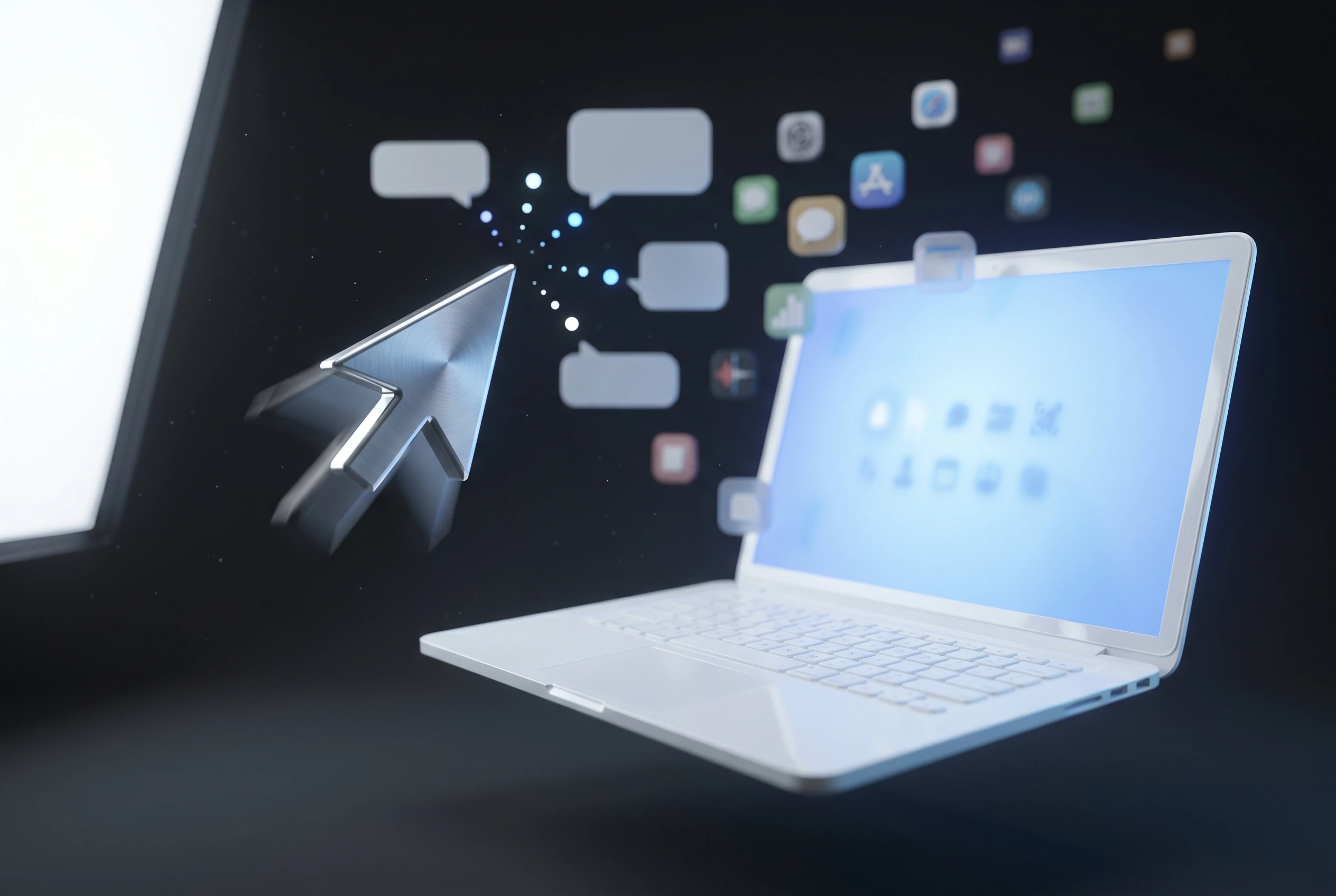
Google introduced its Chromebook successor on May 12 at The Android Show: I/O Edition, a line of Gemini-first laptops built on a new Android-based stack with Chrome bundled in and Acer, ASUS, Dell, HP and Lenovo signed on to ship the first models this fall. The headline feature is Magic Pointer, an AI cursor you shake to ask Gemini about whatever sits beneath it: a date in an email, an object in a photo, a paragraph of text. Google wants that cursor to be the reason you buy the machine.
It is the wrong reason, and the industry already has the receipts to prove it. Microsoft and Apple spent two years shipping nearly the same idea to a collective shrug. Valve spent four years proving what actually pulls people onto a non-Windows platform, and it has nothing to do with a smarter pointer.
Magic Pointer Is Click To Do With a Wiggle
The cursor was built by Google DeepMind with the Chrome product teams, and the pitch is genuine novelty: for most of computing history the pointer only reported where it was on screen. Now you wiggle it and Gemini reads the context, then drops suggested actions next to the tip. Point at a flight date, get a calendar entry. Select two product photos, get a side-by-side. The full description sits in Google’s Gemini laptop announcement, attributed to Alex Kuscher, Google’s senior director for laptops and tablets.
Strip the marketing and the mechanism is familiar. Microsoft shipped Click To Do on Copilot+ PCs (the certified class of Windows machines with a neural processing unit, the on-device AI chip) back in late 2024. You hold the Windows key, click anything on screen, and the system analyzes what you clicked and offers actions: summarize text, copy an image, look something up. The trigger is a keypress instead of a shake. The promise is identical.
Here is the same feature, two badges:
| Attribute | Magic Pointer (Google) | Click To Do (Microsoft) |
|---|---|---|
| Trigger | Shake or wiggle the cursor | Hold Windows key, then click |
| AI engine | Gemini, on-device plus cloud | Copilot, on-device NPU |
| What it does | Reads on-screen context, suggests actions | Reads on-screen context, suggests actions |
| Platform | Aluminium OS laptops, fall 2026 | Copilot+ Windows 11 PCs, since late 2024 |
| Buyer demand so far | Untested | Negligible |
The AI-on-the-OS Pitch Already Flopped Twice
Built-in AI as a selling point has a track record, and it is poor. Ask yourself when an operating system’s bundled AI feature last drove a purchase, or even held attention past launch week. The interesting AI use cases live in downloaded apps that people configure themselves. The ones baked into the system layer tend to get announced, demoed once, and forgotten.
Microsoft has been the loudest test case. It launched Copilot+ with Recall and Click To Do as the marquee reasons to upgrade, detailed in its Copilot+ Recall and Click To Do preview notes. Recall, the feature that screenshots everything you do for later search, became a privacy story before it became a useful one. Neither feature shows up in how people actually choose a laptop.
Apple’s version is subtler but lands in the same place. By its own numbers in Apple’s Intelligence capabilities update, the platform is enabled on hundreds of millions of devices, yet the company has spent the run-up to its June developer conference re-pitching a feature set that launched to a tepid response and a delayed Siri. Big install base, small enthusiasm.
The clearest signal came from inside the supply chain:
- Late 2024: Microsoft makes Copilot+ AI the central reason to buy a new Windows laptop.
- January 2026: Dell, one of Google’s own Googlebook launch partners, tells reporters at CES that consumers are not buying based on AI, and that AI “probably confuses them more than it helps them.”
- Spring 2026: Google makes an AI cursor the headline feature of a brand-new laptop platform.
One of the five companies building these machines said the quiet part out loud months before launch.
Chromebooks’ Bigger Hole Is the App Drawer
The thing holding buyers back from Google’s laptops was never a lack of AI. It is the apps. Chrome OS has always run on glorified web apps, and that covers a lot of people who live in a browser, right up until they need a tool that does not exist as a tab.
Google has chipped at this over the years. Android app support added real capability, and a Linux subsystem lets developers run desktop Linux software. But that Linux layer lives behind a developer flag and a setup process most people will never touch, and Android apps are not the desktop apps people actually trained on. Photoshop and Lightroom for Android are not the versions a working editor uses. The familiar professional toolset simply is not there:
- OBS Studio (Open Broadcaster Software, the standard free live-streaming tool) has no Chrome OS build.
- DaVinci Resolve and Adobe Premiere Pro, the workhorses of video editing, do not run natively.
- The full desktop Photoshop and Lightroom, with the plugins and muscle memory people rely on, stay on Windows and macOS.
Alternatives exist for each of these. They are not the tools people know, and “close enough” has never moved someone off the platform their entire workflow already runs on.
Valve Spent Four Years Proving the Other Path
There is a recent, expensive case study in exactly this problem, and Google appears to have ignored it. Valve faced the same wall on its own Linux push and solved it not with novelty features but with raw compatibility, and the timeline is worth laying out:
- November 2015: Valve ships the Steam Machine lineup, gaming PCs running Linux. The native Linux game library is tiny, so the boxes end up as streaming endpoints for a real PC. The line flops.
- August 21, 2018: Valve releases Proton, a compatibility layer that lets Windows games run on Linux without native ports.
- February 2022: The Steam Deck launches on that foundation and becomes one of the most sought-after handhelds on the market.
The 2015 Steam Machine Misfire
The first attempt failed for the reason Chromebooks have always struggled. Valve asked customers to be drawn to the differences of a leaner, Linux-based platform, and customers wanted the software they already owned. A cheaper, lighter box is a nice idea. It does not beat the library you can run on the machine you already have.
The Proton Payoff in 2022
Instead of waiting for developers to port their games, Valve built on the open-source Wine project to translate Windows games to Linux on the fly. By the time the Steam Deck arrived, that work let it run the majority of Windows games, sometimes more smoothly than Windows itself, with the user never needing to know any of it was happening. Valve’s own Steam Deck and Proton developer documentation spells out the architecture. The point is the patience: Valve started this with little financial incentive, right after its first hardware line died, and let it pay off four years later.
What a Serious Googlebook Would Build Instead
The fix writes itself, and Google has more resources to throw at it than Valve ever did. Make Linux desktop apps a first-class, no-setup experience rather than a hidden developer option. Then go further and contribute to the Wine Windows compatibility project, or build on it the way Valve did, so Windows software runs cleanly out of the box.
A real app store, paired with active outreach to get Adobe, Canva and the rest to ship for the platform, would close most of the remaining gap. If any company has the leverage to push developers onto a new desktop target, it is the one that runs the world’s largest mobile app marketplace. It would not match Windows on day one. It would land far closer to the workflow people actually have.
None of that is in the pitch. The pitch is a cursor you shake. Google is making a large short-term bet on the one ingredient two larger rivals already proved buyers do not care about, while leaving untouched the gap that has kept its laptops in the budget-classroom bin for a decade.
If Google spends the next four years doing for desktop apps what Valve did for games, the Googlebook becomes the first credible Windows alternative in years. If it spends them polishing a pointer that wiggles, the next I/O will quietly introduce its replacement.