
When Microsoft ended support for Windows 10 in October 2025, millions of capable computers suddenly looked doomed. One tech writer refused to toss a nine year old ThinkPad and turned to Linux instead. The result was a faster, safer machine that keeps working without any new hardware purchases.
Why Millions of PCs Face Obsolescence
Microsoft stopped providing security updates, bug fixes, and technical help for Windows 10 on October 14, 2025. This left an estimated 200 to 400 million PCs vulnerable because they cannot officially run Windows 11 due to hardware requirements like TPM 2.0 and newer processors.
Many of these laptops still handle everyday tasks well. Web browsing, document editing, video calls, and light gaming work fine on hardware from 2016 or 2017. Yet Microsoft pushed users toward new purchases.
Bold choice to reject that narrative opens the door to alternatives that respect existing hardware. Linux distributions continue receiving regular security updates and run efficiently on older chips and limited RAM.
My Experiment With a 2017 ThinkPad
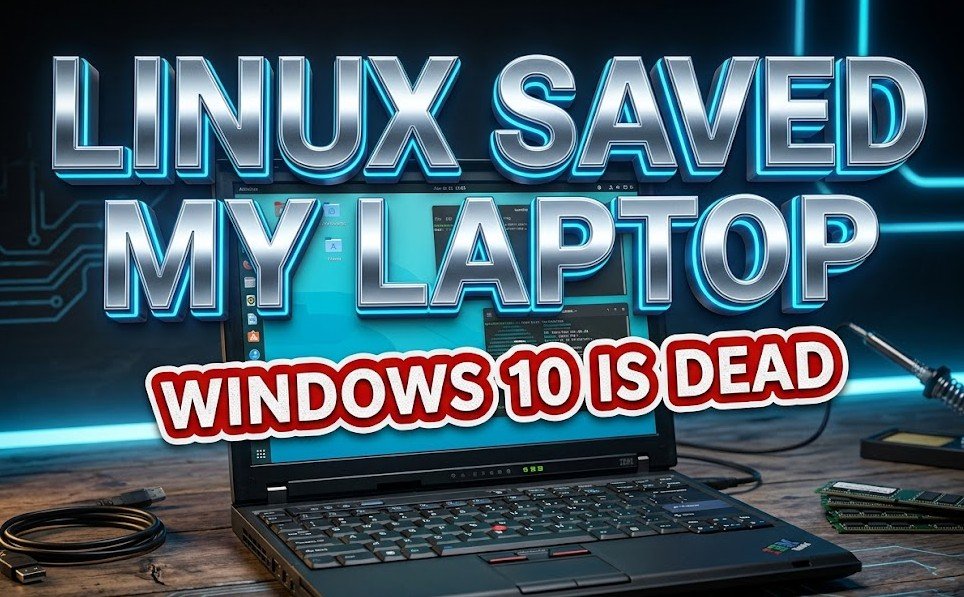
I set aside a modern MacBook Air and dusted off a Lenovo ThinkPad X1 Carbon from 2017. It packs a 7th generation Intel Core i7 processor, 16GB of RAM, and 512GB storage. This model once earned strong reviews for its slim design and solid keyboard.
Two weeks of daily use proved the point. I browsed the web, wrote articles in Google Docs, joined team chats on Slack, and even played some Steam games. The laptop felt responsive and stable. No slowdowns or forced restarts interrupted the flow.
Linux handled the hardware beautifully. Audio, trackpoint, Wi Fi, and battery life all worked smoothly with minimal tweaks. This success story repeats across forums where users report similar revivals on ThinkPads and other business laptops.
Picking the Right Linux Distro for Everyday Use
Choosing the right distribution makes the switch feel natural. Several options stand out for former Windows users with older machines.
Here are some strong recommendations:
- Linux Mint offers a familiar layout with a start menu style interface and strong stability.
- Ubuntu provides excellent hardware support and a huge software library.
- Zorin OS mimics Windows or macOS desktops to ease the transition.
- Lubuntu or Xubuntu deliver lightweight performance for machines with less RAM.
- Linux Lite focuses on simplicity and includes tools Windows users expect.
Installation usually takes under an hour. Most distros include user friendly installers that guide you through the process. Live USB versions let you test the system before committing any changes to the hard drive.
The Surprising Wins From Switching to Linux
Performance often improves right away. Linux uses system resources more efficiently than Windows, so older laptops boot faster and run cooler. Fans stay quiet during normal tasks.
Security feels more trustworthy too. Regular updates arrive without nagging pop ups or telemetry collection. Privacy focused tools come built in or install with one click.
Cost savings add up quickly. No need to pay for extended security updates from Microsoft or buy a new device. The software stays free forever.
Environmental impact matters deeply. Extending the life of existing laptops reduces electronic waste. Each revived machine keeps valuable materials out of landfills and cuts demand for new manufacturing.
Users also gain freedom to customize their setup exactly as they like. Change the desktop look, install only needed programs, or tweak performance settings without restrictions.
Challenges and How to Overcome Them
The switch does require some adjustment. File management and keyboard shortcuts differ at first. Yet most people adapt within a few days of regular use.
Software compatibility rarely blocks daily work. Web based tools like Office 365 or Google Workspace run perfectly in any browser. Native Linux apps cover email, photo editing, and media playback.
For Windows only programs, tools like Wine or virtual machines bridge the gap. Gaming has improved dramatically through Steam Proton on supported titles.
Communities stand ready to help. Online forums, Reddit groups, and local Linux user meetups welcome newcomers with patient guidance. Search any specific question and solutions appear quickly.
Linux gives these machines a real future again.
By choosing Linux, countless users now keep reliable laptops active instead of sending them to scrap. This approach fights planned obsolescence and shows that functional hardware deserves respect beyond one company’s support schedule.