
The June 2026 Patch Tuesday update for Windows 11 shipped on Tuesday, and in the changelog is a one-line entry that Microsoft labels “[General Performance].” That entry is the Windows 11 Low Latency Profile, and it is the most user-visible piece of Microsoft’s Windows K2 responsiveness work yet. It briefly maxes out the CPU clock the moment a user clicks the Start menu, Search, or Action Center, then drops the chip back to idle within a couple of seconds. The feature is gated behind Microsoft’s Controlled Feature Rollout, which means it does not activate on every PC the moment the update lands.
The trick is not new to chip design. It is a scheduler-level version of the race to sleep pattern Apple has run on Macs and iPads for years, and it is built for the half of the Windows install base that does not own a high-end desktop: budget laptops, older hardware, and any PC where a click on the Start button has come with a half-beat of hesitation. Windows 11 KB5094126 is the cumulative update that ships the feature to the general Windows 11 install base, and it activates silently in the background on a rolling basis.
A Quiet Update With One Loud Trick
Microsoft’s official description of the feature is dry on purpose. The KB5094126 changelog entry reads, “[General Performance] This update accelerates app launch and core shell experiences such as Start menu, Search, and Action Center,” and the update itself covers OS Builds 26200.8655 and 26100.8655, which are the 25H2 and 24H2 branches respectively.
The release is the largest Patch Tuesday Microsoft has shipped: 206 unique CVEs, three publicly disclosed zero-days, and a separate wormable HTTP.sys remote code execution flaw rated 9.8, per Eastern Herald’s June 2026 Patch Tuesday review. The Low Latency Profile is the only entry in the bundle aimed at how Windows responds to a user, and it is the only entry that puts the hardware a user already owns to work, instead of patching a flaw. A detailed rollout and feature-check walkthrough is the most thorough public guide to the change. The wider Windows K2 effort that produced the feature also includes the Driver Quality Initiative Microsoft brought to WinHEC 2026 and a long-running push to migrate legacy code to native WinUI 3.
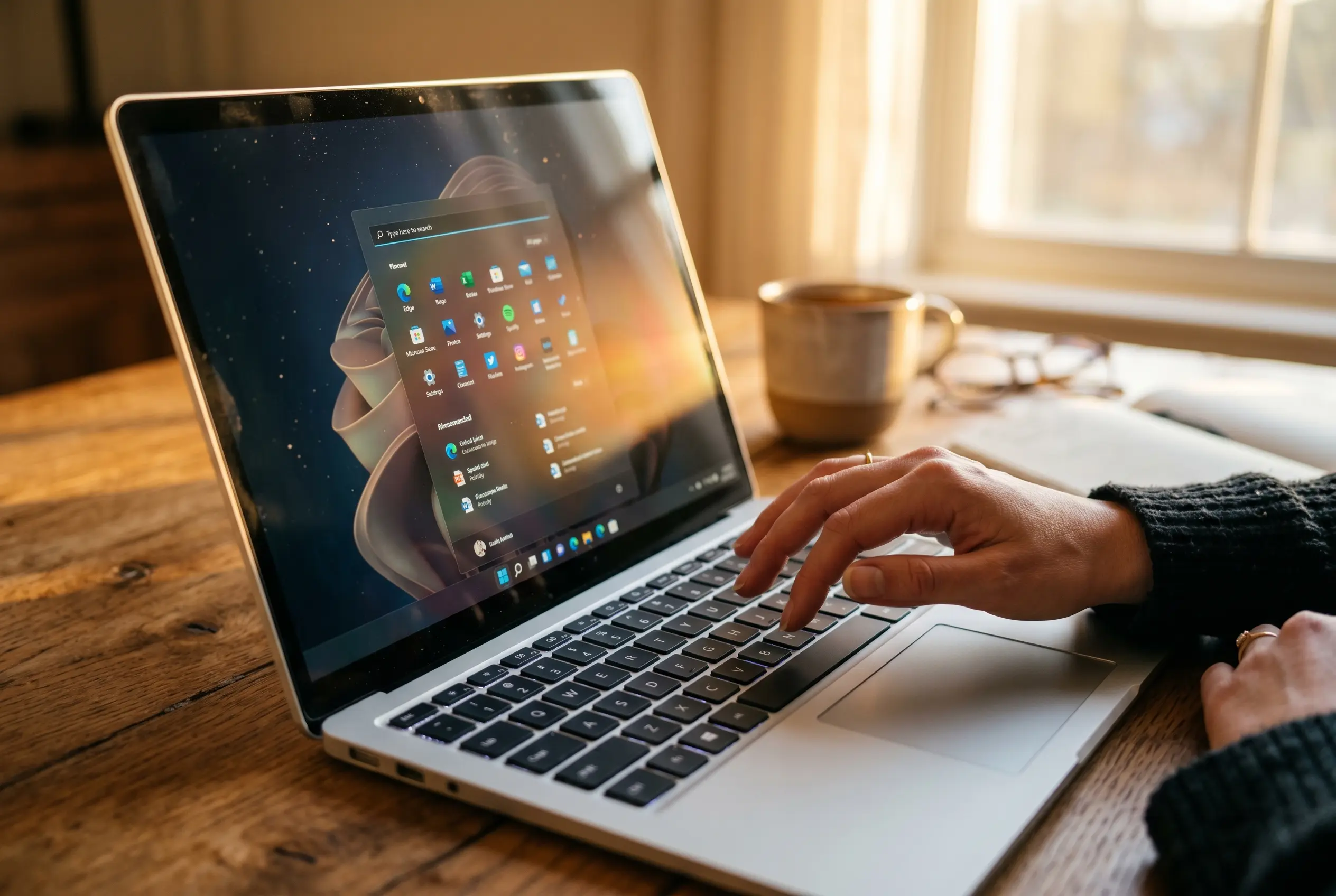
The Mechanism Behind the One-Second CPU Spike
The Low Latency Profile runs in the Windows scheduler. When the OS detects an interactive trigger, such as a click on the Start menu, the Search box, the Action Center, or a system flyout, it forces the CPU to its maximum rated frequency for one to three seconds, renders the response, and drops the chip back to its normal idle state.
There is no toggle, no notification, and no entry in Settings. A hands-on test on an Acer Nitro V with an AMD Ryzen 7 7735HS and 16 GB of DDR5-4800 memory saw the Start menu activation push the chip’s clock up by 100 to 200 MHz, with a second smaller spike when the menu closed. On a desktop with an Intel Core Ultra 270K Plus, the same action drove a 500 MHz jump, and CPU utilization did not move at all because opening a flyout is a trivial workload.
What changes is the clock, not the load. The first report of the Low Latency Profile came from Windows Central in May, citing sources inside the Windows Insider Program. Those sources put the internal figures at up to 40% faster launch times for in-box apps like Edge and Outlook, and up to 70% faster launch times for the Start menu and context menus. Both numbers come from Microsoft’s own testing and are still being tuned before the rollout broadens further.
The Race to Sleep Trick Apple Already Uses
The technique has a name in mobile chip design. Engineers call it race to sleep, sometimes race to halt: the CPU works at its top clock for a very short window, finishes the work, and then spends more total time in a deep low-power state. Power draw, heat, and battery cost stay flat, because the spike is too brief to register in any meaningful measurement, and the chip ends up spending more time at idle than it would have without the boost.
Apple has used a version of this in macOS for years. The macOS scheduler assigns user-initiated UI interactions to the highest-performance cores available through its Quality of Service classes, the same way Android exposes its Dynamic Performance Frameworks to apps that need to communicate power and thermal needs directly to the kernel.
Windows 11 is the last of the three to ship a scheduler-level version of the same idea. Microsoft’s June 9, 2026 baseline release notes carry the official wording. The change is a small line in a long changelog, but the design idea behind it is the same one that has made macOS feel snappy on the same hardware class for years.
The technique is not an overclock in the usual sense. The chip is allowed to do exactly what it would do under load, just sooner, and it is back to idle before the user notices the brief spike.
Where It Helps, and Where It Will Not
The Low Latency Profile is built for budget and mid-range PCs, not for high-end desktops. WindowsLatest tested the feature on a constrained virtual machine with two CPU cores and 4 GB of RAM, and the Start menu opened “instantly” with the feature on, while the same VM on the standard Release Preview build showed the half-beat delay most users associate with cheap hardware. On a budget Acer Nitro V, the Start menu was already snappy in absolute terms, but the click-to-render window tightened by a noticeable margin.
Game load times are a separate question. PC game loading is constrained by the sequential way Windows handles file reads, and the way around that is DirectStorage, the API that lets a game pull assets in parallel rather than serially; the Low Latency Profile helps the shell, not the file pipeline.
| Hardware class | What changes | What doesn’t |
|---|---|---|
| Budget / mid-range laptop (Ryzen 7 7735HS, 16 GB RAM) | Start menu, Search, Action Center snap open; 100 to 200 MHz clock spikes per interaction | Game load times; sequential file work |
| Constrained VM (2 cores, 4 GB RAM) | Start menu opens “instantly”; Edge hits 96% CPU, Outlook and Copilot hit 97% for under three seconds | Settings app and a few edge cases |
| High-end desktop (Core Ultra 270K Plus) | 500 MHz clock spike on shell triggers; a subtler smoothness gain | Most of the perceptible gain is already there |
| Gaming PCs (Call of Duty, etc.) | Nothing for game launches | Game load is constrained by sequential Windows file handling, not by the shell scheduler |
Why Your PC May Not Have It Yet
Installing KB5094126 does not guarantee the Low Latency Profile is on. Microsoft switches new behavior in waves through a system called Controlled Feature Rollout, and the OS offers no Settings toggle and no on-screen notice when the flip happens. The only reliable check is to install a hardware monitor that polls the CPU clock fast enough to catch the brief spike. Task Manager is too slow: its refresh window is wider than the boost itself, which is why WindowsLatest recommends the free HWiNFO utility, which logs sensor readings at a frequency high enough to catch the jump.
On a PC that has the feature, opening the Start menu pushes the clock from around 1.5 GHz at idle to the chip’s full 4.5 GHz turbo frequency, then back to idle before the menu finishes animating. On a PC that does not, the clock barely moves on the same trigger. That test, repeated across Start, Search, and Action Center, is the only ground-truth way to know whether KB5094126 has done its job on a given machine.
For users willing to flip the flag manually, the open-source ViVeTool utility works. The June 2026 feature ID is 58989092, and the steps to enable it are as follows.
- Download ViVeTool from the official GitHub release and extract it to a folder, for example
C:\\ViVeTool. - Open Terminal as Administrator by right-clicking the Start button and selecting Terminal (Admin).
- Run
cd C:\\ViVeToolto enter the folder. - Run
vivetool /enable /id:58989092, then restart the PC.
The Backlash Microsoft Already Fought Off
The first reports of the Low Latency Profile in May drew a fast and noisy reaction on social media, with critics calling it a brute-force workaround. WindowsLatest’s coverage of the rollout, citing the reaction, quoted one user likening it to flooring their accelerator at the end of their driveway, and another accusing Microsoft of using NOS instead of throwing the junk out of the trunk. Windows Central’s initial report noted that Microsoft had not yet commented publicly on the criticism at that point.
The response came from Microsoft VP Scott Hanselman, who defended the feature against the “lazy fix” framing. Eastern Herald’s June 2026 Patch Tuesday write-up quoted his argument: Apple’s scheduler has operated on the same principle for years, and the spike is too brief to register in any meaningful power draw measurement. WindowsLatest’s coverage of the rollout backed the same conclusion, noting that the feature’s surface temperatures and battery discharge rate did not move in its own testing sessions. The wider context is that the Low Latency Profile is one slice of the Windows K2 push Microsoft has been working on since the start of the year, the same initiative that brought the Driver Quality Initiative to WinHEC 2026 and a wider effort to migrate legacy code to native WinUI 3.
Frequently Asked Questions
How do I get the Windows 11 Low Latency Profile?
KB5094126 ships through Windows Update as part of the June 2026 Patch Tuesday. Open Settings, then Windows Update, then “Check for updates,” install KB5094126, and reboot. The Low Latency Profile itself is gated behind Microsoft’s Controlled Feature Rollout, so installing the update does not guarantee the feature is active on the same day. To force the flag on, run vivetool /enable /id:58989092 from an elevated Terminal and restart the PC. Once the flag is on, the CPU clock will spike on Start menu, Search, and Action Center triggers.
Will it make my games load faster?
No. The Low Latency Profile speeds up shell interactions, not game launch. PC game loading is constrained by the way Windows handles file reads, and the path to faster game loads is DirectStorage, which lets a game pull assets in parallel.
Is spiking my CPU to max safe?
Yes, in the sense Microsoft intends. The boost lasts one to three seconds, completes the response, and returns the chip to idle. The brief spike is shorter than any meaningful thermal or battery measurement, so surface temperatures and battery discharge rate do not move. The chip spends more total time in its low-power state because it finishes the work sooner.
How do I know if it is active on my PC?
Install the free HWiNFO utility, watch the CPU clock readout, and open the Start menu, Search, and Action Center. If the clock jumps to its maximum rated speed and drops back within a couple of seconds, the feature is on. If the clock barely moves, Controlled Feature Rollout has not flipped the flag on your machine yet. The same test, repeated across the three shell elements, is the most reliable ground truth. Task Manager alone is too slow to register the spike.
Can I turn the Low Latency Profile off?
Microsoft does not expose a way to switch the feature off in Settings. The closest option is to disable the underlying feature flag with the open-source ViVeTool utility, using the command vivetool /disable /id:58989092 and a restart. That is the inverse of the command used to enable the flag.