

Microsoft Teams administrators can now set a policy that automatically denies entry to detected external bots, skipping the lobby entirely. The BlockDetectedBots option, detailed in Microsoft 365 Message Center notice MC1459141 on August 21, 2026, is rolling out now and reaches general availability by late September. It ships disabled by default.
The change builds directly on the June detection work. Where organizers once had to approve every flagged bot by hand, IT can now close the door for entire groups or the whole tenant before a notetaker ever waits in the lobby. That shift turns a per-meeting judgment call into a tenant-level gate.
Because the control is off until an admin turns it on, existing meeting habits stay intact on day one. The value appears only after IT decides which groups should stop seeing external bots in the lobby at all.
BlockDetectedBots Closes the Lobby Gap
Until this update the strongest control was RequireApprovalWhenDetected. Teams used behavioral and infrastructure signals to spot external AI assistants, dropped them into the lobby with clear labels, and forced the organizer to admit them one by one. Even meetings that normally bypassed the lobby still held the bots.
That left room for mistakes. A host running back-to-back calls could hit “Admit all” and let a transcription service through. The new mode removes the decision. Detected external bots never reach the lobby and never join.
Microsoft stated in the Message Center update that the policy “gives administrators additional control over how identified bots are handled and can help reduce organizational risk.” Targeted release tenants started receiving it in early August 2026; worldwide and GCC coverage finishes by late September.
The path from first detection work to a hard block was short. Key dates already published by Microsoft line up as follows:
- June 2026 – Smarter bot protection ships; Meera Ajam describes unintended bot joins; early identification partners are named.
- Early August 2026 – Targeted release tenants begin receiving BlockDetectedBots.
- August 21, 2026 – Message Center notice MC1459141 documents the option for admins.
- Late September 2026 – Worldwide and GCC rollout reaches general availability.
Each step tightened the same loop: detect the bot, surface it clearly, then give IT a way to refuse it without relying on a busy organizer.
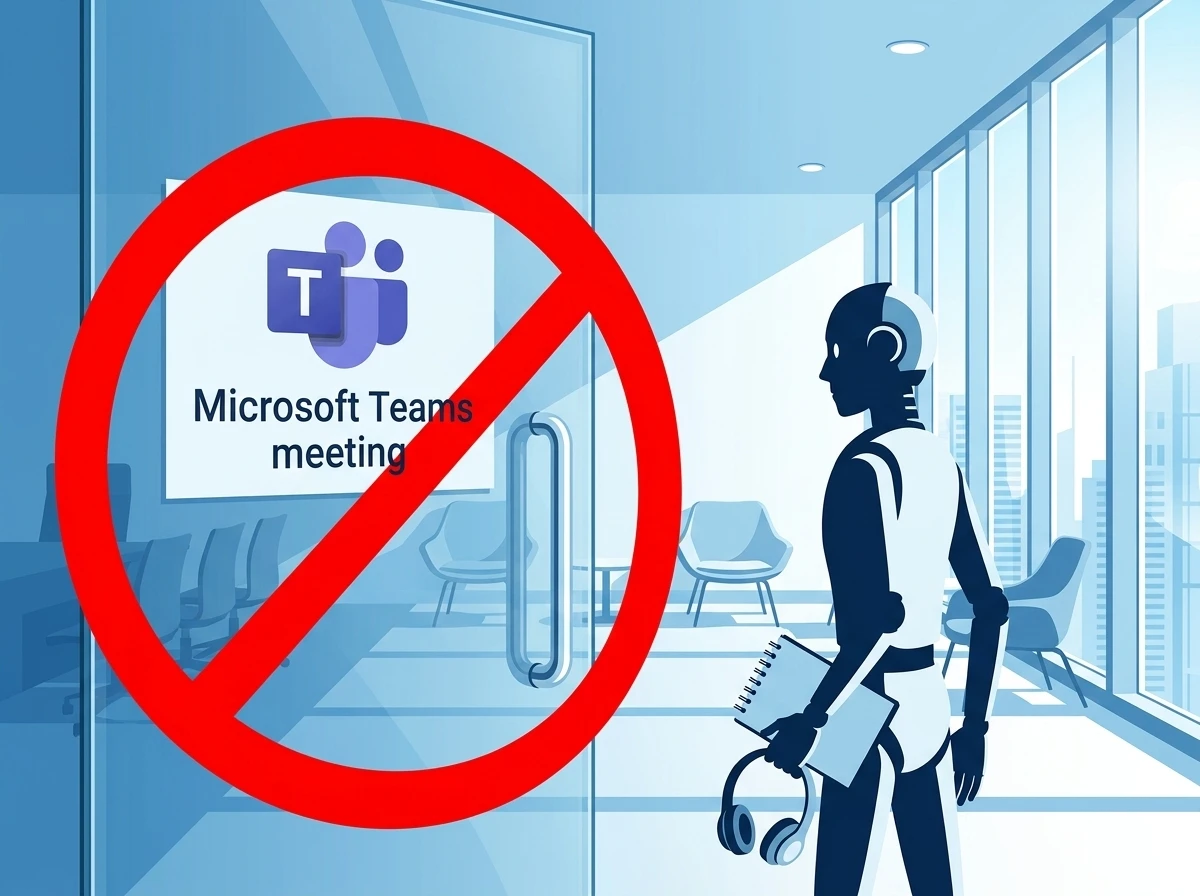
Three Modes for External Bot Access
The setting lives in meeting policies under Meeting Join and Lobby as “Manage external bots and their access to meetings.” Admins change it in the Teams Admin Center or with the Set-CsTeamsMeetingPolicy PowerShell cmdlet by setting ExternalBotAccessMode.
| Admin Center label | PowerShell value | What happens |
|---|---|---|
| Do not detect bots | AllowBots (or AllowAllBots) | No detection. Bots join like any external participant. |
| When detected, require approval before joining | RequireApprovalWhenDetected | Default. Bots go to lobby with labels; organizer must admit. |
| Block detected bots | BlockDetectedBots | Detected external bots are denied before the lobby. No organizer step. |
The policy can target the global default or specific users and groups. Legal, finance, HR and executive teams often get the hard block while general staff stay on the approval default.
That split matters in practice. A single global block can stall sales calls that still depend on third-party notes. A single global approval default can leave regulated groups exposed to the same lobby fatigue that produced mistaken admits. Scoped assignment lets both needs coexist inside one tenant.
PowerShell and the Admin Center expose the same three values, so automation and interactive change stay aligned. Admins who already script meeting policy updates can add ExternalBotAccessMode without inventing a parallel process.
Why the Lobby Alone Was Not Enough
AI notetakers such as Otter.ai, Fireflies.ai, Fathom and Read.ai exploded because they join via calendar invites or meeting links, record audio, generate summaries and store everything on vendor servers. Many employees connected personal accounts without IT knowledge. That created shadow AI.
The risks piled up quickly. Conversations left the organization’s compliance boundary. Free tiers sometimes used the data for model training. Participants often had no notice a bot was present. Lawsuits followed, including Brewer v. Otter.ai and Cruz v. Fireflies.AI Corp. over recording without consent and biometric voice data. EU regulators looked at GDPR angles. Reddit threads and security blogs filled with admins hunting bots that kept reappearing after every meeting.
Microsoft’s own Meera Ajam wrote in June that “Bots have begun joining meetings that participants never intended them to attend.” The company retired the older CAPTCHA verification approach because modern bots bypassed it or joined through authenticated flows.
Bots have begun joining meetings that participants never intended them to attend.
Meera Ajam, Microsoft, Tech Community post, June 2026
Detection itself improved with the smarter bot protection introduced in June. Still, Microsoft acknowledges some bots slip through and occasional humans get misclassified. Organizers can mark a false positive “This is not a bot” to correct the session and feed the model.
Lobby labels helped only when someone was watching. Back-to-back meetings, large webinars, and “Admit all” habits undid the safeguard in seconds. A policy that never presents the bot removes that failure mode for groups that cannot afford it.
The same pressure explains why CAPTCHA fell away. Once bots could clear or skip that check through authenticated paths, the gate had to move earlier in the join flow and rely on behavioral and infrastructure signals instead of a puzzle.
Who Feels the Change First
Security and compliance teams gain a clean lever. A guest’s Fireflies bot no longer walks away with a full transcript of an internal strategy call. Malicious bots used in social-engineering campaigns face the same wall.
Productivity teams feel the friction. Sales groups that rely on third-party note-takers for customer calls will see those bots rejected if the policy is on. Help-desk tickets will rise the day an admin flips the switch without warning. On X and admin forums the recurring advice is the same: inventory every bot that has joined meetings in the last 30 days before you enable BlockDetectedBots.
- Audit Teams meeting and audit logs for recurring external bot names.
- Segment policies so regulated roles get the hard block and others keep organizer choice.
- Update the approved-tools list and tell users what replaces the blocked services.
- Pair the meeting policy with app permission policies that limit calendar OAuth grants.
- Brief organizers so they stop assuming a missing bot means a broken tool.
Microsoft Copilot and bots registered inside the customer’s own Entra ID tenant stay unaffected. Compliance recording solutions that join as authenticated federated users often sit outside the heuristic as well. Admins must verify those edge cases with vendors.
The inventory step is the practical hinge. Without a 30-day picture of which external names keep appearing, IT cannot tell a needed sales tool from a personal notetaker that never belonged in internal meetings. Logs turn that guesswork into a short list.
Registered Bots Become the New Normal
The hard block is only half the story. Microsoft is building the Teams Bot Identification Program so independent software vendors can register and embed a self-identification marker in join requests. Registered bots appear as known participants rather than suspected threats.
Early partners named in the June announcement include Maestro Labs, Otter.ai, Read AI and Recall.ai. The program is still in public preview. Vendors complete an intake form, sign agreements and pass validation. Once approved, their bots can be treated more leniently, paving the way for future allow lists that Microsoft has already listed as upcoming work alongside audit logs and more granular controls.
The second-order effect is clear. Unregistered external bots lose the easy path into every meeting. Vendors that want scale inside large Teams tenants will have to meet Microsoft’s identification bar. Organizations that want AI notes without the data-residency headache will favor tools that never join the call at all, running transcription on-device instead.
Registration does not replace meeting policy. It gives Microsoft a stronger signal so that known vendors can be handled differently from anonymous joiners. Until allow lists arrive, the three ExternalBotAccessMode values remain the admin’s direct lever.
Platforms Push External Notetakers Toward Identity
Teams is not moving alone. Google Meet made a similar move earlier in 2026 by flagging and default-denying third-party notetakers. Both platforms are steering the market toward the same outcome: either the AI tool becomes a first-class, identified participant under the host’s rules, or it stays outside the door.
That shared direction raises the cost of staying unregistered. A vendor that only knows how to join through a calendar link or meeting URL now faces lobby friction or a hard deny on more than one major platform. The identification path Microsoft opened in public preview is one route back to predictable entry.
On-device transcription sits on the other side of the same choice. Tools that never join the call never hit BlockDetectedBots, never land in the lobby, and never carry meeting audio to a vendor server. For tenants already worried about data residency and model-training clauses on free tiers, that design avoids the join problem instead of negotiating it.
Admins comparing options can hold three paths side by side:
- Keep RequireApprovalWhenDetected and train organizers to read lobby labels.
- Switch sensitive groups to BlockDetectedBots and point users at approved or on-device tools.
- Prefer vendors that complete the Teams Bot Identification Program once allow lists land.
None of those paths requires a same-day global flip. Each one builds on controls and partner names Microsoft has already published.
Edge Cases Still Demand Vendor Checks
Detection remains probabilistic. Microsoft acknowledges that some bots still slip through and that occasional humans are misclassified. The organizer action “This is not a bot” corrects the live session and feeds the model, but it cannot be the only safety net for high-stakes meetings.
Authenticated paths need equal care. Copilot and bots registered in the customer’s own Entra ID tenant are outside the external-bot block by design. Compliance recording solutions that join as authenticated federated users often fall outside the heuristic as well. Those exceptions are useful only when IT confirms them with each vendor instead of assuming coverage.
Pairing matters here. Meeting policy sets the join gate. App permission policies that limit calendar OAuth grants reduce how easily a personal notetaker is invited in the first place. Used together, they shrink both the lobby problem and the shadow-AI problem that made the lobby insufficient.
False positives and evasions will shrink as signals improve and more vendors register. They will not hit zero on day one of general availability. Training organizers and keeping an approved-tools list therefore stay in the stack even after BlockDetectedBots is on for regulated groups.
What Changes for Admins Right Now
The official documentation for how to manage external bots and their access still emphasizes the default approval mode and best practices such as limiting who can admit from the lobby to organizers and co-organizers only. The new BlockDetectedBots value simply extends that control set.
Because the feature is off by default, nothing breaks on day one. The practical sequence is audit, pilot on a high-sensitivity group, communicate, then expand. Detection will keep improving as Microsoft tunes the signals and more vendors register. Some bots will still evade for a while; user training and app controls remain necessary layers.
Platforms are reclaiming the meeting room. Google Meet made a similar move earlier in 2026 by flagging and default-denying third-party notetakers. The result is the same pressure: either the AI tool becomes a first-class, identified participant under the host’s rules, or it stays outside the door.
For most tenants the smartest next step is not an immediate global block. It is a clean inventory of which external bots already sit in meeting histories, which ones the business actually needs, and which ones can be replaced by something that never leaves the corporate boundary.