

Roughly 171,000 small nonprofits lost the contents of their OneDrive accounts after Microsoft retired free Microsoft 365 Business Premium grants. Ronald Khosla, co-founder of the climate-tech venture nonprofit Canopy, logged in on June 11, 2026, and found years of investment and project files gone. Support first said the data could be recovered, then confirmed it was permanent.
The free Premium seats and Office 365 E1 grants ended for renewals on or after July 1, 2025. Microsoft told customers to move to other nonprofit offers before their licenses expired. Many never received clear warnings that stuck, and the deletion wave hit in the summer of 2026.
The Free Premium Seats Stopped Renewing
Microsoft launched the nonprofit grants in 2013. Small organizations received up to 10 free Business Premium seats that included desktop Word, Excel, PowerPoint, advanced security, device management, and OneDrive storage. Larger free E1 licenses covered more users with web and some desktop features.
In May 2025 the company emailed many tenants that the Microsoft 365 Business Premium grant has been discontinued. Licenses would expire at the next renewal on or after July 1, 2025, and would not renew. The official update page still advises nonprofits to switch to Microsoft 365 Business Basic (free for up to 300 users) or a paid discounted plan “to avoid disruption and data loss.”
George Weiner of the consultancy Whole Whale calculated that about 400k nonprofits faced the grant cancellation. Roughly 33,000 organizations came up for renewal each month. The free Premium package had covered about 30 percent of typical IT spend for groups with budgets under $1 million.
Why So Many Never Saw the Warnings
Microsoft said it began notifying customers in spring 2025 and offered transition support. Some nonprofits received the May email and migrated in time. Others insist they saw nothing usable.
- Admin accounts that receive Microsoft mail are often flooded with spam, so staff ignore them or filter aggressively.
- Many small teams forward only invoices or support tickets to personal Gmail and never check the Outlook admin inbox on the web.
- Renewal confirmation emails after October 2025 sometimes restated the old end date without repeating the phase-out language.
- The public notice sat on a subpage rather than the main Microsoft nonprofit or AI press channels.
- Some users assumed later promotional messages about free grants still applied and treated early warnings as phishing.
Khosla had renewed in October 2025 and received confirmation of access until October 4, 2026. He got no further reminders even while Microsoft sent other update notices. A child-healthcare nonprofit operator searched every folder including spam and found “zero notification,” yet still received $0 invoices. A disability-services group discovered two warning messages only after the purge; they had never auto-forwarded from the admin address.
On X, Nehemia Gordon described his nonprofit losing “irreplaceable research files from the Vatican, National Library of Russia, British Library, and more.” Microsoft’s own notice listed the subscription valid until March 2026 2027 and invoices still showed $0. The files disappeared on June 14. The post drew hundreds of thousands of views.
What Free Basic Gives Versus What Disappeared
Microsoft still grants Microsoft 365 Business Basic to eligible nonprofits for up to 300 users. It includes web and mobile Office apps, Teams, SharePoint, 1 TB OneDrive per user, and basic email. It does not include desktop applications or the advanced security and device-management tools that came with Premium.
| Feature | Old Free Business Premium Grant | Current Free Business Basic Grant | Paid Nonprofit Business Premium |
|---|---|---|---|
| Desktop Office apps | Yes | No (web/mobile only) | Yes |
| Advanced security / Defender / Intune | Yes | Limited / basic filtering | Yes |
| Price per user (nonprofit) | Free (up to 10) | Free (up to 300) | $5.50 user/month for nonprofit Business Premium |
| OneDrive storage | 1 TB+ | 1 TB | 1 TB |
Nonprofit Business Standard sits at $3.36 per user per month. Organizations that need full desktop features and stronger protection must now budget for those seats or switch platforms.
The Security Gap Arrived at a Bad Moment
Weiner noted that Microsoft “was dropping their security package during a critical time for nonprofits, when we’re seeing A.I.’s ability to penetrate more organizational infrastructure.” Small groups that relied on Premium’s Defender for Business, Intune device management, and data-loss prevention lost those controls overnight. Many now run web apps that crash during multi-user editing or lack offline capability for field staff in rural or disaster zones.
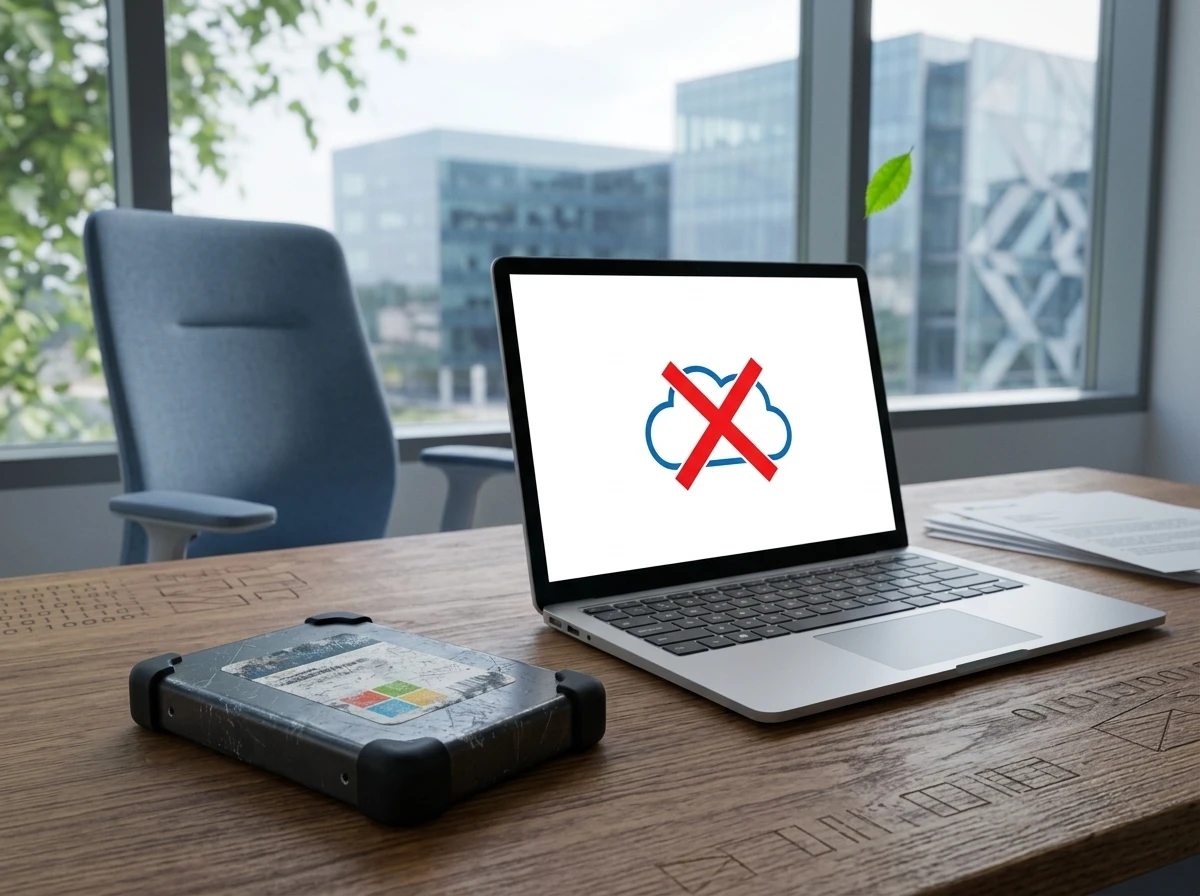
One operator lost 500 GB of donor and program files plus access to Power Automate and Forms workflows. Re-creating instructional videos and documents will take “hundreds of hours.” Khosla kept annual external hard-drive backups, but the drive sits on the opposite coast from his Oregon base. Multiple team members remain locked out until he can fly east and migrate everything.
Crowd accounts on forums and X describe the same pattern: automatic OneDrive sync felt like enough protection until the tenant disappeared. Some who transitioned early still complain that the free web versions lose formatting and collaboration history that desktop files retained.
Microsoft’s Stated Reason and the Capacity Context
In a statement to Slate, Microsoft said the original offers were “retired to streamline our grant offerings and simplify our grant portfolio.” The company “strongly advised” customers to move before renewal “to avoid disruption and data loss.” It still promotes free Basic seats and steep discounts on higher tiers, plus Azure and Dynamics credits for eligible nonprofits.
Slate and sector observers linked the timing to Microsoft’s heavy AI infrastructure build-out. Storage and compute have grown expensive. Other large platforms have tightened free storage and deleted dormant data in the same period. Microsoft did not confirm a direct storage-reclamation motive for the grant cut. It continues to market AI tools and Microsoft’s newer security AI agents to organizations that can pay or qualify for remaining grants.
Official documentation is clear on the end state. When a subscription expires it moves through Expired (still accessible) then Disabled (admin-only access for roughly 90 days). After that, data is deleted after the Disabled period. Adding a new subscription of the same type does not restore the old tenant’s files. Several nonprofits reported the data was already gone when they reached support, suggesting their tenants had already passed the grace window or been treated as canceled.
Rebuild Options That Still Cost Time and Money
Organizations that acted early moved users to free Basic, paid discounted Premium or Standard, or left Microsoft entirely. Google Workspace for Nonprofits offers free or low-cost Gmail, Docs, Drive, and Meet. LibreOffice and OnlyOffice provide offline desktop suites with strong Microsoft-format compatibility at zero license cost. Both require staff training and careful file conversion.
Even successful migrations consume weeks that small teams do not have. The childhood-health group still lacks short-term replacements for the automation tools it used with donors. Historical societies and disability services groups report the same scramble. Weiner’s petition and forum threads asked for a longer off-ramp or continued free Premium for the smallest budgets; Microsoft has not restored the old grants.
- May 14-15, 2025, Microsoft emails many tenants that Business Premium and E1 grants will end at next renewal on or after July 1, 2025.
- July 1, 2025, First renewals lose free Premium and E1 seats; rolling expirations begin at roughly 33,000 organizations per month.
- October 2025 onward, Some renewal confirmations restate old end dates without new warnings; scattered reminders continue for others.
- June 2026, Multiple nonprofits report mass OneDrive deletions; support cites roughly 171,000 affected accounts in at least one case.
- August 2026, Public reporting surfaces the scale; remaining free Basic and paid nonprofit pricing remain the official path forward.
Khosla plans to restore Canopy’s files from the East Coast drive onto a new provider and rebuild the software stack. “We’re losing time and money, but we are going to survive,” he said. Hundreds of other small nonprofits are still counting what they can recover and what they must recreate from scratch.
Frequently Asked Questions
What free Microsoft 365 licenses can nonprofits still get?
Eligible nonprofits can still receive up to 300 free Microsoft 365 Business Basic licenses. These cover web and mobile versions of the Office apps, Teams, SharePoint, Exchange email, and 1 TB of OneDrive storage per user, but exclude desktop applications and most advanced security features that came with the retired Premium grant.
How much does Microsoft 365 Business Premium cost nonprofits now?
Nonprofit staff pricing for Microsoft 365 Business Premium is listed at $5.50 per user per month when paid yearly. Business Standard is $3.36 per user per month under the same nonprofit discount. Exact eligibility and volume terms are confirmed through Microsoft’s nonprofit verification process.
What happens to OneDrive and SharePoint data when a Microsoft 365 subscription ends?
After the end date the subscription typically enters an Expired state (data still accessible), then a Disabled state lasting about 90 days during which only admins can access and back up files. Once it reaches Deleted status the customer data is permanently removed and cannot be restored by buying a new subscription of the same type.
Why did Microsoft discontinue the free Business Premium and E1 grants?
Microsoft stated the offers were retired “to streamline our grant offerings and simplify our grant portfolio.” The company continues free Basic seats and discounts of up to 75 percent on many higher-tier Microsoft 365 plans for verified nonprofits, along with separate Azure and Dynamics grants.