

Google has confirmed a major redesign for its Snapseed photo editing app on Android, set to roll out soon after the iOS version launched in June 2025. This update brings a fresh interface, advanced AI features, and tools like healing brushes, aiming to revive the app that has been quiet since 2017 and meet the needs of modern mobile photographers.
Revival Sparks Excitement Among Users
Android fans have waited years for Snapseed to catch up, and now Google is delivering. The company announced the redesign on January 6, 2026, following user feedback that highlighted the app’s outdated look compared to rivals like Adobe Lightroom.
This move fits into Google’s broader push to enhance its creative tools. With smartphones capturing higher quality images, apps like Snapseed need to evolve. The update promises to make editing faster and more intuitive, drawing on lessons from the iOS 3.0 release.
Experts see this as part of Google’s strategy to strengthen its ecosystem. In recent months, the company has integrated AI across apps, from Google Photos to Workspace, showing a commitment to innovation in 2026.
Key Features in the New Design
The redesign includes a modernized home screen with easy access tabs for editing and exporting. Users will find reorganized tools that streamline workflows, such as improved curves for color adjustments and healing brushes for spot fixes.
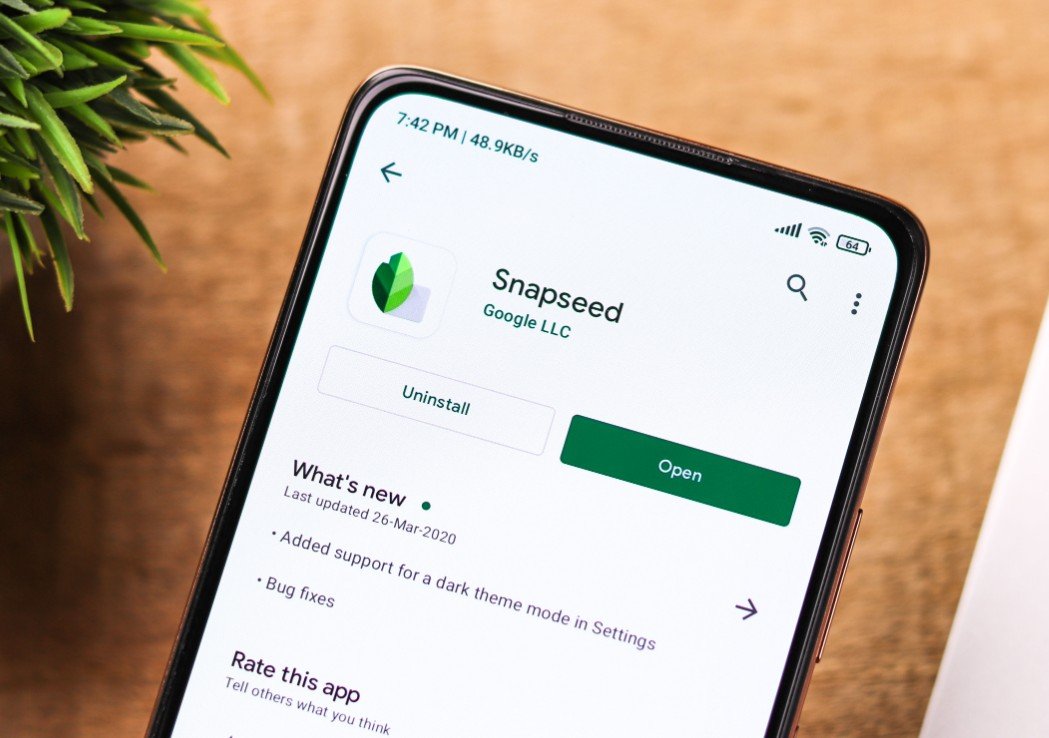
AI integrations stand out, with features like smart enhancements that automatically suggest edits based on image content. A retro camera mode adds fun, letting users apply vintage filters in real time, similar to popular trends in apps like Instagram.
This update addresses long standing requests. For instance, selective editing gets a boost with better precision, making it ideal for both casual users and pros.
To highlight the changes, here are some standout additions:
- AI powered auto adjustments for lighting and color balance
- Enhanced brush tools for detailed retouching
- New filters inspired by classic film styles
- Integration with Google Photos for seamless imports
How It Compares to Competitors
Snapseed’s revival comes at a time when photo editing apps are booming. Adobe Lightroom offers subscription based advanced features, while free options like VSCO focus on presets. Google’s app aims to blend power with simplicity, without ongoing costs.
In tests of the iOS version, users praised the speed and non destructive edits. Android’s update is expected to match this, potentially including device specific optimizations for Pixel phones.
One key difference is the AI focus. While competitors use machine learning for basics, Snapseed’s tools could leverage Google’s Gemini model for smarter suggestions, based on recent AI announcements.
| Feature | Snapseed 3.0 | Adobe Lightroom | VSCO |
|---|---|---|---|
| AI Auto Edits | Yes, with smart suggestions | Yes, but premium | Limited |
| Free Access | Fully free | Subscription required | Free with in-app purchases |
| Retro Filters | Built-in camera mode | Add-ons available | Preset focused |
| Interface | Modern tabs and gestures | Complex for beginners | Simple and artistic |
User Reactions and Community Buzz
Feedback from social platforms shows high anticipation. Many Android users expressed relief, noting how the app felt abandoned while iOS got updates.
Discussions highlight excitement for AI tools, with some hoping for features like object removal, similar to those in Google Photos. This could make Snapseed a top choice again.
However, a few voices worry about potential bugs in the initial rollout. Google has promised ongoing support, which could ease those concerns.
What This Means for Mobile Photography
This redesign positions Snapseed as a strong contender in 2026’s photo editing landscape. As AI becomes central to tech, Google’s move could inspire more innovation, benefiting users with better tools.
Looking ahead, experts predict integrations with emerging tech like augmented reality filters. This fits recent events, such as Google’s AI updates in December 2025, which emphasized creative applications.
For photographers, it solves the problem of needing pro features on the go. The update encourages experimentation, making editing accessible to all skill levels.
We would love to hear your thoughts on the Snapseed redesign. Share your favorite features or editing tips in the comments below, and pass this article along to fellow photo enthusiasts.


