I never thought a dusty old tablet could transform my home. One ordinary weekend, I turned an unused Android tablet into a fully functional smart home controller that now sits on my living room wall. The results surprised me in ways I never expected and might just change how you think about your smart home setup too. This is the new frontier of practical home tech that millions are quietly adopting right now.
Why a Smart Home Hub Matters More Than Ever
Smart home hubs are at the heart of modern connected living. They centralize all your devices — from lights to security cameras — into one control point. Today’s market offers many dedicated devices like Google Nest Hub and Amazon Echo Show that act as command centers for gadgets and routines. These products are popular and effective, but they also carry a cost and ecosystem limitations.
Most smart homeowners face a familiar problem: juggling multiple apps, unlocking phones, and navigating menus just to dim a light or check a door lock. That friction is exactly what a central control panel eliminates. Placing a dedicated screen in your home makes common tasks faster, cleaner, and more intuitive.
Turning an Old Tablet Into Your Smart Home Control Center
Rather than buy an expensive dedicated hub, many tech enthusiasts are choosing creative alternatives like repurposing cheap Android tablets that would otherwise collect dust. You do not need cutting-edge hardware or advanced technical skills for this setup.
Here’s the simple path I followed:
-
Clean the Slate
Start by factory resetting your old tablet to remove all personal data and apps. This gives you a clean foundation. -
Install Smart Home Dashboard Software
You can use apps like Home Assistant Companion, Google Home, or even a web-based dashboard for control. These interfaces bring all connected devices into one place. -
Optimize for Control Use
Adjust settings so the tablet never goes to sleep and auto-launches your chosen dashboard on boot. Turn off notifications to eliminate distractions. -
Mount for Convenience
Place the tablet in a high-traffic area — like your kitchen or living area — and keep it powered permanently using a stable wall USB charger or dock setup.
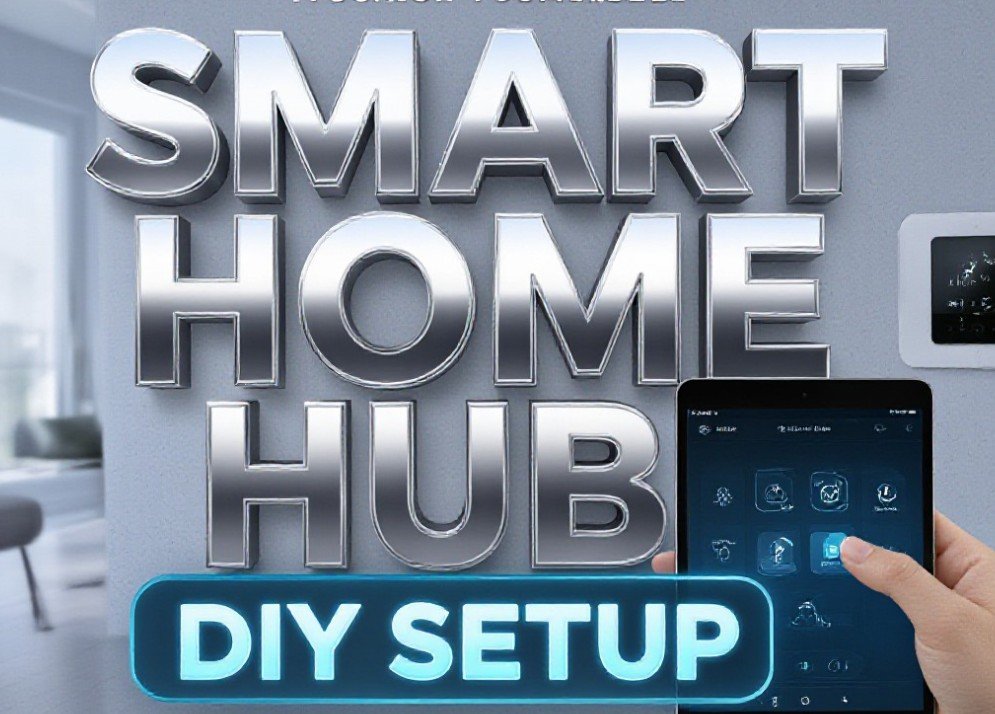
This setup takes less than 30 minutes and costs nothing if you already have the tablet. It creates a central hub for controlling lights, thermostats, cameras, and more using just one screen.
What You Can Control With Your Tablet Hub
Once set up, your tablet becomes a powerful point of contact for your smart home. Users find it especially useful for:
-
Connected lighting control with on-screen toggles for brightness and color.
-
Climate and thermostat management without searching through phone apps.
-
Real-time security monitoring including live camera feeds, alerts, and door lock status.
-
Voice control via Google Assistant or Alexa if those apps are installed.
The tablet does more than just run apps. It becomes a tactile interface that brings all your smart home devices together and removes the need to unlock phones, scroll through apps, or interrupt your routine just to adjust a setting.
The Cost and Environmental Upside
Buying a brand-new smart hub costs upwards of $100, sometimes much more, and often locks you into a specific ecosystem. Repurposing existing hardware not only saves money, it also reduces electronic waste by giving life to devices that would sit unused. Repurposed devices often consume little power — many use only about 3 watts while running — so operational costs are negligible compared to standalone smart displays or tablets.
Plus, this approach sidesteps the vendor lock-in common with proprietary systems. Instead of buying a device that limits you to one brand, a tablet lets you run open platforms that grow with your needs without monthly fees or subscriptions.
Challenges and How to Overcome Them
While this repurposed tablet approach is powerful, there are a few potential challenges:
-
Older devices may struggle with modern apps if they are very outdated. Getting a tablet with at least Android 7 or above is recommended.
-
Battery health is often poor in older tablets, but since your controller will remain plugged in, this is not a concern for wall-mounted use.
-
Security updates may be lacking on older software, so be mindful of which apps you install and use a secure local network for your control panel.
Some home automation users also take extra steps like setting a separate smart home account for the tablet to avoid unwanted privacy overlaps with personal accounts. Others integrate motion sensors to wake the screen when someone approaches, making the panel feel even more responsive.
The Future of DIY Smart Home Controllers
This trend of repurposing old tablets reflects a broader shift in consumer tech: DIY solutions that outperform expensive proprietary hardware while offering flexibility, sustainability, and customization. With major companies continuing to innovate in the smart home space, including rumors of new command centers from Apple and others, the options for connected living will only expand.
If you have an unused tablet gathering dust, this project could turn it into the heart of your smart home. It’s a creative way to bring convenience, cost savings, and personal satisfaction to daily living.
Tell us how you are controlling your smart home in the comments below. If you use a custom tablet setup, share your experience using the hashtag #DIYSmartHome on your favorite social platforms.